Why Your Video Edits Crawl (And How Hardware Acceleration Fixes It)
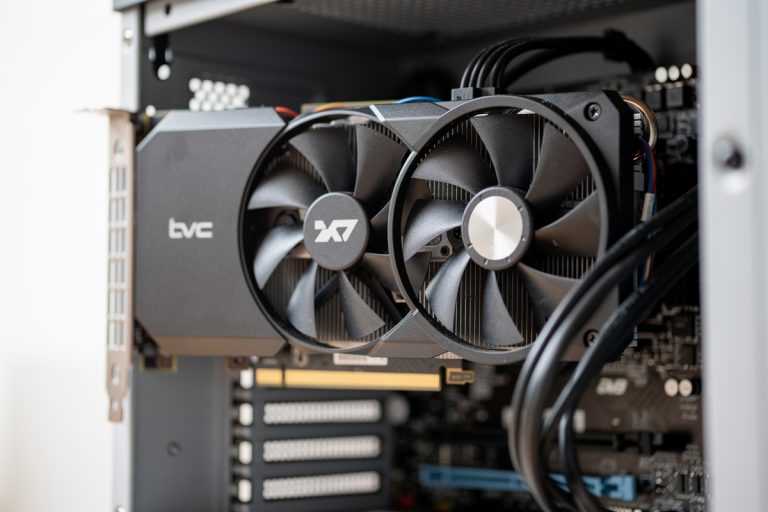
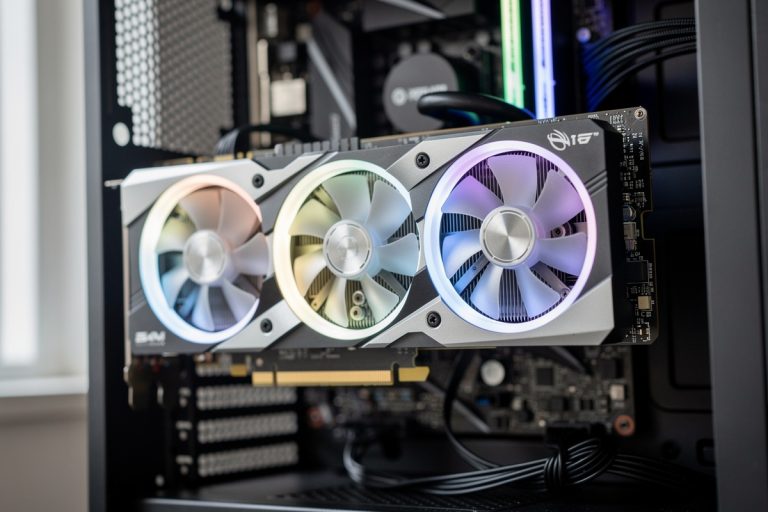
Enable hardware acceleration in your NLE’s preferences before importing footage—this single toggle can slash render times by 50-80% when working with 4K clips from modern mirrorless cameras. Your computer’s GPU sits largely idle during video editing unless you specifically activate this feature, leaving your CPU to struggle alone with demanding codecs like H.264 and H.265….