 By
The 3D imaging industry is no longer a niche corner of engineering. The companies that matter now fall into three camps: sensor and scanner makers that capture depth, chip and GPU vendors that process it, and software firms that turn raw point clouds into models you can actually use. For photographers and creators, the practical shift is simple. Depth capture is moving into everyday gear, and the heavy lifting is moving onto the graphics cards and neural processing units (NPUs, dedicated chips for AI tasks) sitting in your workstation.
Think about what that means at your desk. A photogrammetry job, where software stitches hundreds of overlapping photos into a 3D model, once meant leaving a machine running overnight. Faster GPUs and newer techniques like Gaussian splatting, which builds a scene from millions of tiny soft-edged points, have shrunk that wait considerably. The same hardware now handles denoising, depth maps, and relighting in your usual editing tools.
This guide sorts the major players by what they actually do, walks through four durable developments reshaping the field, and explains what each one means for your gear and workflow in 2026. Specific launches and dates change quickly, so we point you to official sources for those, and focus here on what stays true.
What Changed: How 3D Imaging Went from Specialist Gear to Compute-Driven Workflow
A few years ago, capturing a real object in 3D meant booking time with specialist gear and then waiting. Dedicated scanners did the heavy lifting, and the processing could stretch for hours or even overnight. The big change is that much of that work now runs on the same silicon found in modern workstations and cameras: GPUs for parallel number-crunching, and NPUs (neural processing units, chips built specifically for AI tasks) for on-device machine learning.
A few terms help here. Photogrammetry builds a 3D model by stitching together many overlapping photos. LiDAR fires laser pulses and measures how long they take to bounce back, producing a map of distances. Structured light projects a known pattern, often stripes, onto an object and reads how the pattern bends to calculate shape. A depth sensor is any component that measures distance to surfaces, whether by laser, infrared, or stereo cameras. The output is typically a mesh (a surface made of tiny triangles) or a point cloud (a cloud of measured points in space).
Then there’s neural rendering, where AI learns how a scene looks from ordinary photos and can generate new viewpoints, filling in gaps that older methods would leave as holes.
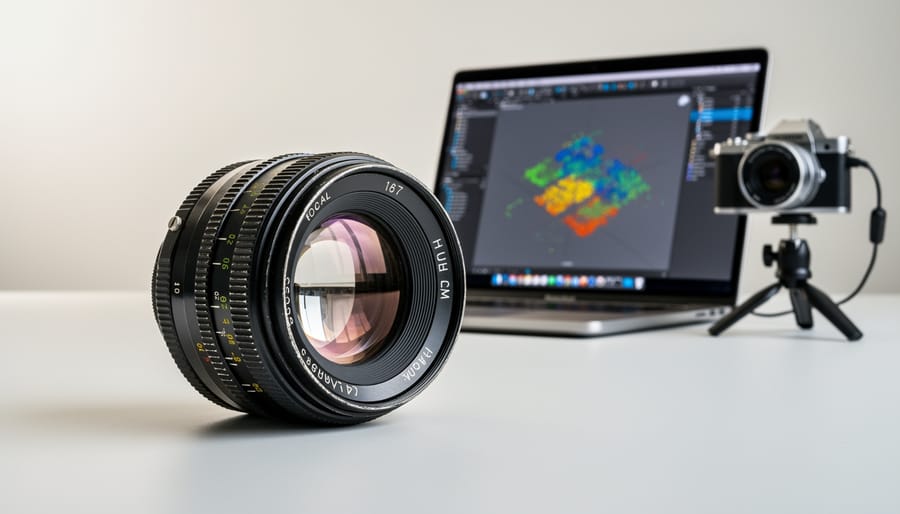
Picture a photographer who wants to list a vintage lens online. The old route meant renting a turntable scanner and tolerating a clunky, slow workflow. Today, they can shoot a few dozen sharp frames from different angles, let a GPU-accelerated app reconstruct the model in a fraction of the time, and let AI clean up the rough edges. The camera hasn’t changed much. The compute behind it has, and that’s what’s pulling 3D imaging out of the specialist lab and into everyday creative workflows.
Key Developments Shaping the 3D Imaging Landscape
1. GPU-Accelerated Photogrammetry and Reconstruction Become the Norm
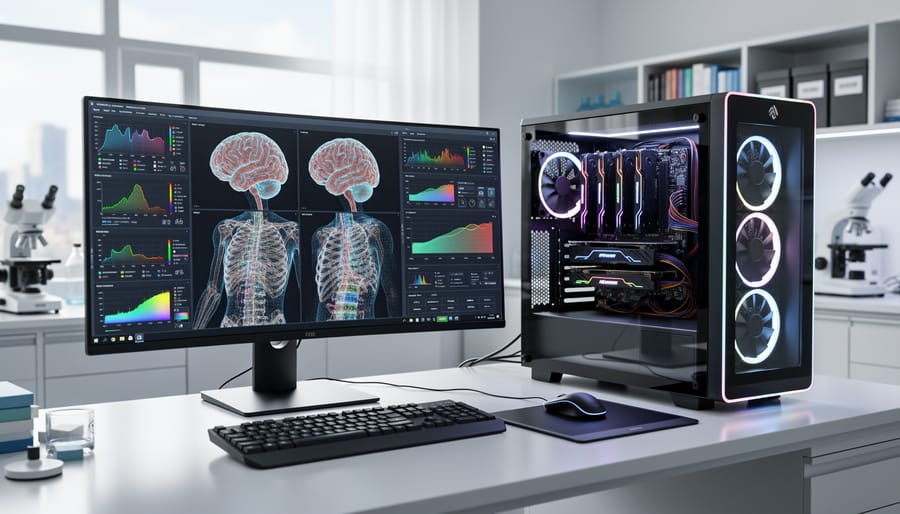
Photogrammetry used to mean starting a job and walking away. The software matches thousands of overlapping photos, estimates camera positions, and builds a dense mesh, and every one of those stages is a heavy math problem. That’s exactly the kind of work GPUs are built for, since they run thousands of calculations in parallel.
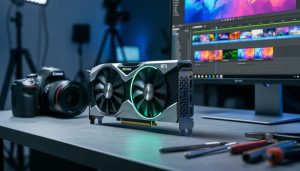
For that reason, long-standing photogrammetry developers have leaned on GPU compute for years, usually through NVIDIA’s CUDA framework or comparable APIs. The names you’ll meet in this space fall into two groups: software makers (RealityCapture, Agisoft Metashape, and 3DF Zephyr are well-known examples) and GPU vendors like NVIDIA, AMD, and Intel, whose drivers and compute stacks determine what the software can actually use. Support varies by program, and some stages still run on the CPU, so check each vendor’s documentation before buying anything.
If you’re building scans on a workstation, a few priorities matter most:
- VRAM capacity, because dense reconstructions that overflow video memory slow down sharply or fail outright.
- GPU compute support, since a card the software can’t use for acceleration is wasted money.
- System RAM, as large photo sets and meshes are often staged there too.
- Fast storage, ideally an NVMe SSD, to keep thousands of high-resolution images from becoming a bottleneck.
In practice, a photographer scanning a single lens or a small product can get by with a modest card. Scanning a room or a building with hundreds of 45-megapixel frames is another story, and that’s where extra VRAM pays off most. When in doubt, look at the software’s recommended specs and buy for your largest project, not your average one.
2. NPUs and On-Device AI Move into Depth Capture and Scene Understanding
An NPU, or neural processing unit, is a chip built to run AI math efficiently. Phones, a growing number of laptops, and some cameras now include one, and that changes where 3D-flavored work happens. Tasks like depth estimation (guessing how far away each part of a scene is), subject segmentation (cutting a person or object cleanly out of the background), and rough scene reconstruction can run on the device itself instead of being shipped off to a server.
For photographers, the payoff is practical. Local processing is fast, so portrait-mode edges, depth maps, and background blur can appear almost instantly. It’s also more private, since your unreleased client shots or family photos never leave the device. And because an NPU does this work with far less energy than a general-purpose processor, you spend less battery on it, which matters on a long shoot day.
Think about shooting a product on a phone for a listing. The device can separate the item from a cluttered desk, estimate its shape, and even give you an adjustable depth effect before you’ve opened an editing app. None of that requires an upload.
This is also where photography and 3D capture start to overlap. A single frame now often carries a depth map, and a short burst or video can feed a basic 3D model of the scene. The line between “taking a picture” and “scanning a space” is getting thin.
A caveat worth keeping in mind: on-device depth is an estimate, not a measurement. It’s great for creative effects, but it won’t replace a calibrated scanner when precision counts.
3. AI-Driven 3D Capture Methods Lower the Barrier to Entry
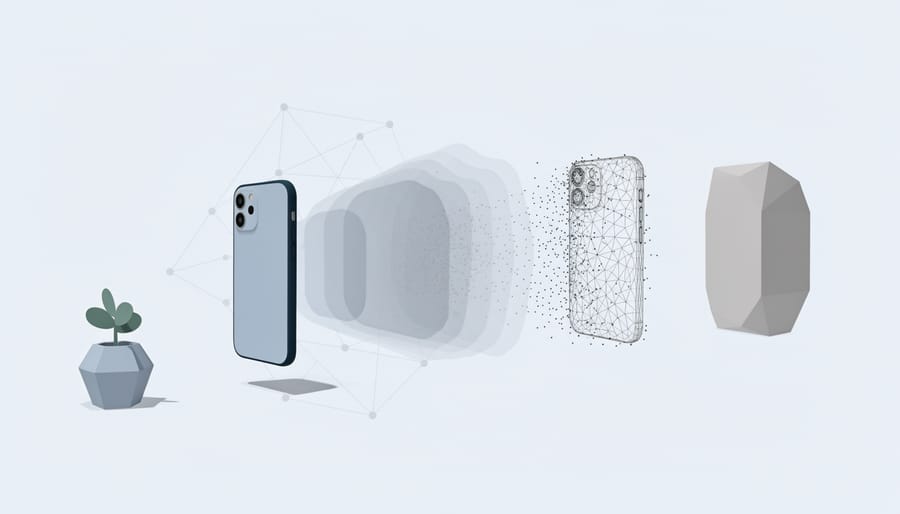
Traditional 3D capture builds a mesh: a skin of tiny triangles stretched over a surface, then painted with a texture. Neural methods take a different route. NeRFs (neural radiance fields) and Gaussian splatting study many ordinary photos, or frames from a phone video, and learn how light looks from every angle. Gaussian splatting does this with millions of soft, colored blobs instead of triangles, which is why a scene can feel startlingly photographic when you orbit around it.
Software developers, mobile app makers, and some hardware vendors have folded these techniques into their tools. Picture walking slowly around your living room with a phone, or circling a pair of vintage lenses on a desk. A few minutes of video can become a scene you can fly through, with no scanner involved. That’s a real drop in the barrier to entry.
Still, these methods have honest limits. They’re sensitive to light, so flickering bulbs, harsh shadows, or mixed color temperatures show up as muddy patches. Planning your lighting for 3D capture pays off before you press record. Shiny chrome, glass, and mirrors confuse the math, because reflections move as you do. And the output isn’t always edit-friendly. A splat file looks great on screen, but it can’t simply be dropped into a standard modeling workflow the way a clean mesh can.
4. Dedicated 3D Scanner Makers and Professional Workstations Keep Evolving
Phone-based capture is getting better every year, but dedicated scanner makers aren’t going anywhere. The reason is simple: some jobs demand accuracy that a phone can’t promise.
Dedicated scanners generally fall into three families. Handheld scanners let you walk around an object and build a model in real time. Structured-light scanners project known patterns onto a surface and measure how those patterns distort, which suits small, detailed objects. LiDAR-based systems fire laser pulses and time the return, which works well for rooms, buildings, and larger sites. Companies such as Artec, Faro, Leica Geosystems, and Creaform have long histories in these categories.
So who actually needs this gear? Think metrology (checking that a machined part matches its specification), heritage documentation (recording a statue or historic facade without touching it), and industrial inspection. In those fields, measurable accuracy and repeatability matter more than convenience. If you’re scanning a vintage lens for a listing, your phone or camera will do fine. If you’re certifying tolerances, it won’t.
The processing side is just as specialized. Workstation builders cater to 3D, VFX, and imaging pipelines with machines tuned for heavy, sustained loads. The GPU choice is a real trade-off. Pro-grade cards, like NVIDIA’s RTX professional line, typically offer larger VRAM pools, certified drivers, and stability for long jobs. Consumer cards can deliver impressive speed for the money, though they may cap out on memory with very large scans.
Models and pricing change often, so check manufacturer pages for what’s currently available before you commit.
Why It Matters for Photographers and Imaging Enthusiasts
For most of us, the practical upside is simple: the camera and lenses you already own can now produce 3D results that once required a dedicated scanner. Product photographers can build rotatable models for online listings, architectural shooters can capture interiors as navigable scenes, and anyone curious about AR/VR content or digital archiving (preserving heirlooms, sculptures, or vintage gear) can start with a modest setup.
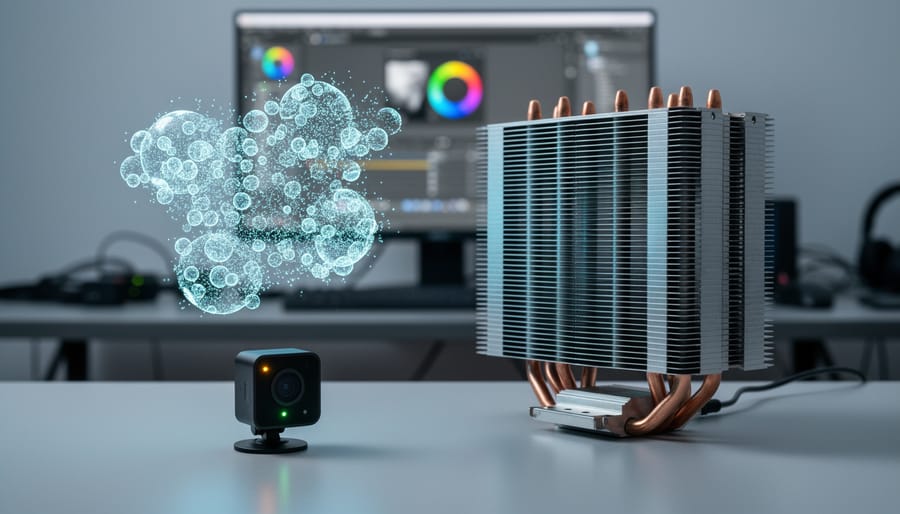
That shift changes what deserves your budget. Reconstruction software leans heavily on VRAM (the dedicated memory on a graphics card), so a card with more memory will often handle big scans more gracefully than one that’s merely faster. NPU capability matters if you rely on on-device depth and segmentation, and sustained workloads make workstation cooling more relevant than it sounds. Your file pipeline counts too, so it’s worth reviewing the codecs for workflows you already use before you add video or image sequences to the mix.
So when does a camera plus photogrammetry beat a phone? Usually when you need fine texture, controlled lighting, and sharp detail on a small or intricate subject. A phone wins on speed and convenience, especially for quick room captures or casual scans. For reflective or featureless surfaces, neither is magic.
Before upgrading, read up on what to watch when buying and favor upgrades that solve a real bottleneck in your own workflow.
What to Watch Next in 3D Imaging Hardware and Software
The most useful way to track 3D imaging is to watch signals rather than chase rumors. Start with chipmaker roadmaps. GPU and NPU generations set the ceiling for how fast reconstruction and AI depth processing can run, so keeping an eye on NVIDIA GPU updates alongside announcements from other major vendors tells you where workstation performance is heading.
Next, check software support. When a photogrammetry or 3D app adds a new capture format, such as Gaussian splat import or improved depth-map handling, that often matters more to your workflow than a raw hardware spec. Camera makers are worth following too, since depth sensing and 3D-friendly features keep creeping into bodies and companion apps. Finally, watch open standards for 3D file exchange. The easier it gets to move a scan between tools without losing quality, the less you’re locked into one company’s ecosystem.
For dated specifics, such as release windows, supported features, or pricing, rely on official company announcements and trusted reviews. Early 3D features can be hardware-hungry, and a feature that looks great in a demo may crawl on real-world scans. Wait for reviews that confirm performance before you buy.
Frequently Asked Questions About 3D Imaging Companies and Hardware
Do I need a pro workstation GPU for 3D scanning?
Not usually. A consumer GPU with plenty of VRAM handles most photogrammetry well, and pro cards mainly add certified drivers and stability for studio pipelines.
Can my regular camera be used for 3D capture?
Yes. Overlapping, sharply focused photos of a subject are the raw material for photogrammetry, and a decent camera with consistent lighting often beats a phone.
What does an NPU actually do for imaging?
An NPU is a chip built for AI tasks. It handles things like depth estimation and subject segmentation locally, so they run faster and use less power.
Is phone LiDAR good enough for serious work?
It’s fine for quick room scans, previews, and AR content. For precise measurement or industrial use, dedicated scanners are still the safer choice.
Whichever answer applies to you, the practical move is the same: start with the gear you already own, and upgrade only when a specific project hits a real limit.
The 3D imaging world is converging with the same GPU and NPU progress that’s reshaping cameras, laptops, and workstations. Capture is getting faster, reconstruction is getting smarter, and the barrier to entry keeps dropping.
The practical advice hasn’t changed. Match your hardware to your actual workflow: a phone and a decent GPU may be plenty for product scans, while precision work still calls for dedicated gear. Before you buy anything, check manufacturer pages and trusted reviews for current specs and real-world performance.
For more on how imaging silicon and workstations are evolving, keep exploring our Imaging GPUs, NPUs & Workstations coverage here on Out of Focus.

 By