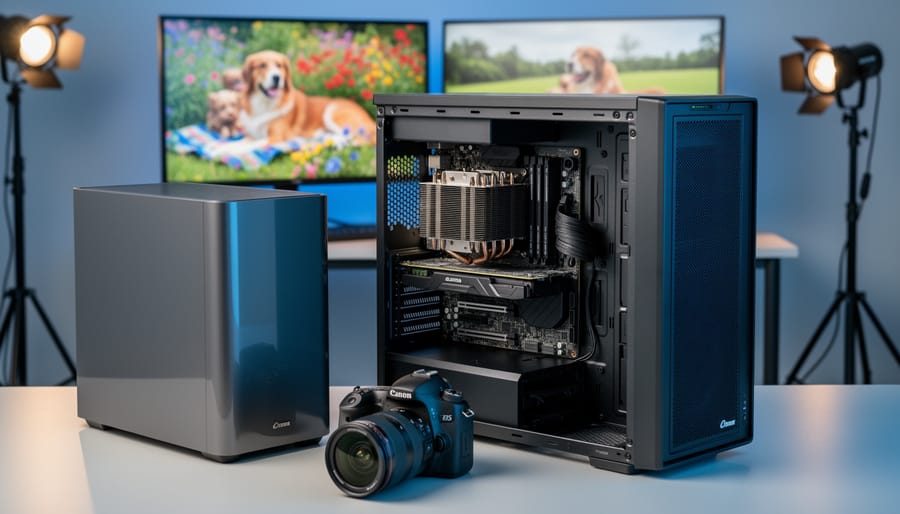
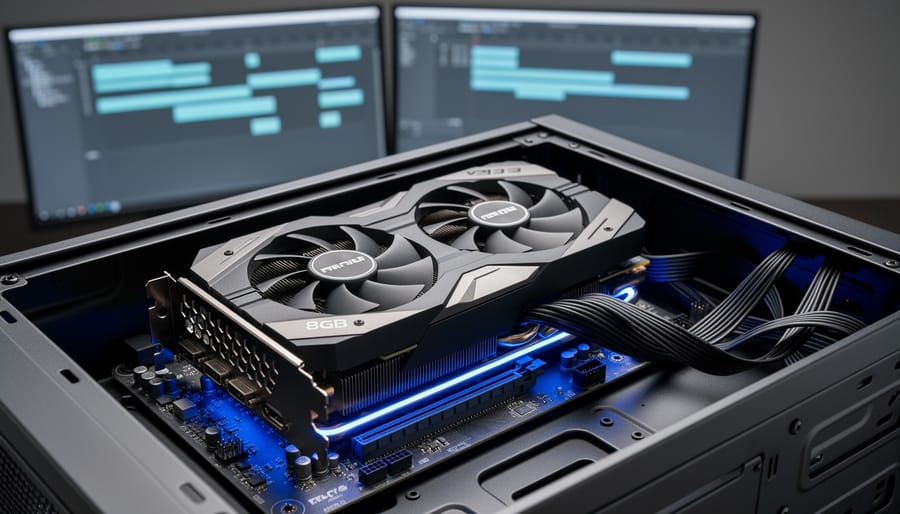
Match your VRAM requirements to your actual timeline resolution and codec complexity before committing to an 8GB video card. If you’re working primarily with 1080p footage in H.264 or editing photos in Lightroom and Photoshop, 8GB provides comfortable headroom without overspending. However, editors juggling multiple 4K ProRes streams or working with RAW cinema formats will find themselves constrained quickly, especially when layering effects or color grading in DaVinci Resolve.
Test your current projects against VRAM usage monitoring tools to establish a baseline. Open your most demanding timeline, add your typical effects …
Why Your NAS Is Killing Your Video Editing Workflow (And How to Fix It)
Your current photo editing setup works perfectly until you export that first 4K video project and watch your computer grind to a halt for 45 minutes. If you’re among the growing number of photographers expanding into video, you’ve likely discovered that video files demand entirely different storage solutions than the RAW photos you’re used to handling.
The challenge isn’t just about having enough space. A 10-minute 4K video can easily consume 40GB, but the real problem surfaces when you try editing that footage directly from your storage drive. Choppy playback, dropped frames, and endless buffering turn what …
Why Professional Photographers Are Switching to LTO Tape Drives for Their Archives
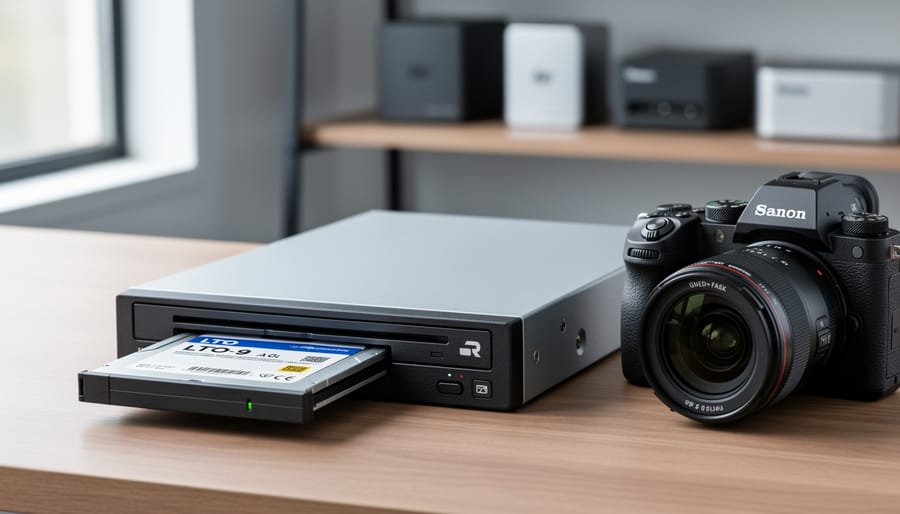
Your photography archive has likely outgrown your collection of external hard drives, and you’re watching those storage costs multiply while worrying about drive failures. LTO tape drives represent the same archival technology that Hollywood studios and major broadcasters use to preserve their valuable footage, and this enterprise-grade solution has become surprisingly accessible to serious photographers and videographers who need to protect years of irreplaceable work.
An LTO-9 tape cartridge holds 18TB of compressed data, costs around $150, and carries a manufacturer-rated lifespan of 30 years when stored properly. Compare …
Why Your Monitor Is Lying to You (And How Calibration Software Fixes It)
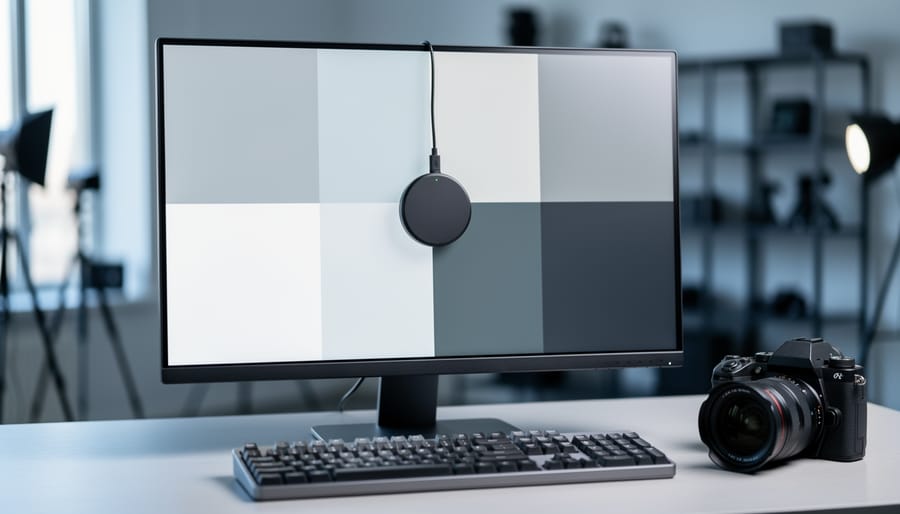
Understand that your monitor is lying to you right now. That vibrant sunset you captured and carefully edited on your screen? It might appear completely different when printed, shared online, or viewed on another display. This disconnect happens because every monitor interprets color data differently straight out of the box, and without calibration software working alongside a hardware colorimeter, you’re essentially editing blind.
Display calibration software serves as the translator between what your camera captures and what your screen displays. It works by measuring how your monitor currently reproduces colors, then …
Why Your Video Editing Workflow Is Slower Than It Should Be (Network Storage Explained)
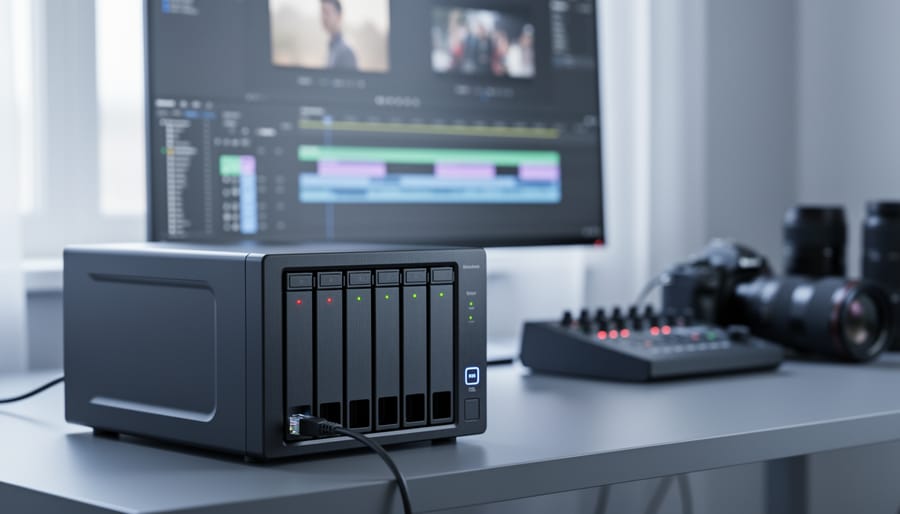
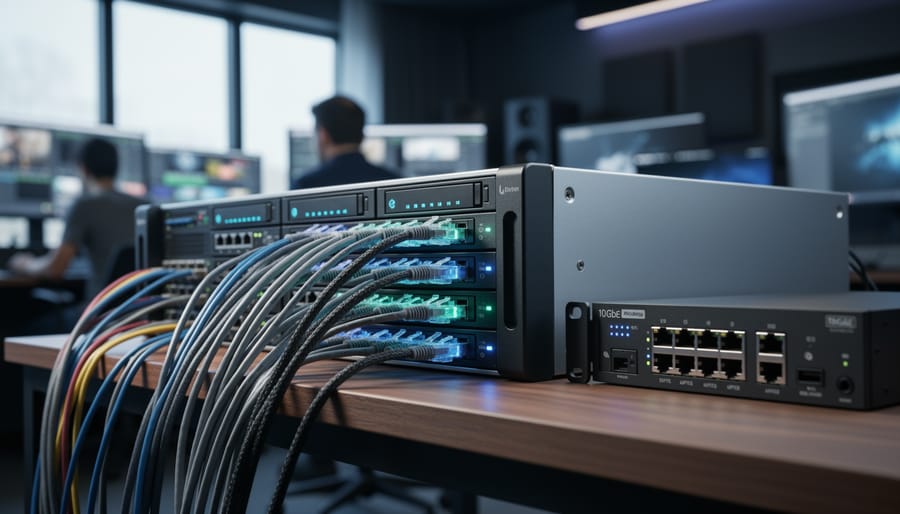
Your local hard drives are maxing out, project files take forever to transfer, and you can’t work on footage while your editor is accessing the same files. These frustrations signal you’ve reached a tipping point that thousands of video professionals face: it’s time for network storage.
Network storage transforms how creative teams work by putting all your video files on a centralized system that multiple users can access simultaneously over your local network. Instead of juggling external drives or waiting hours for file transfers, you’re working directly from a shared pool of storage that everyone on your …
Why Your Editing Workstation Needs More Than Just a Battery Backup
Your editing workstation represents thousands of dollars in equipment—but the power flowing through your walls right now could be silently degrading your gear’s lifespan or destroying files in an instant. A standard surge protector won’t save you, and even a basic UPS might not provide the protection your investment demands.
Power conditioning is the invisible shield between your equipment and the electrical chaos happening dozens of times per day: voltage sags from your neighbor’s AC unit kicking on, harmonic distortion from cheap LED lighting, or the microscopic surges that never trip a breaker but steadily …