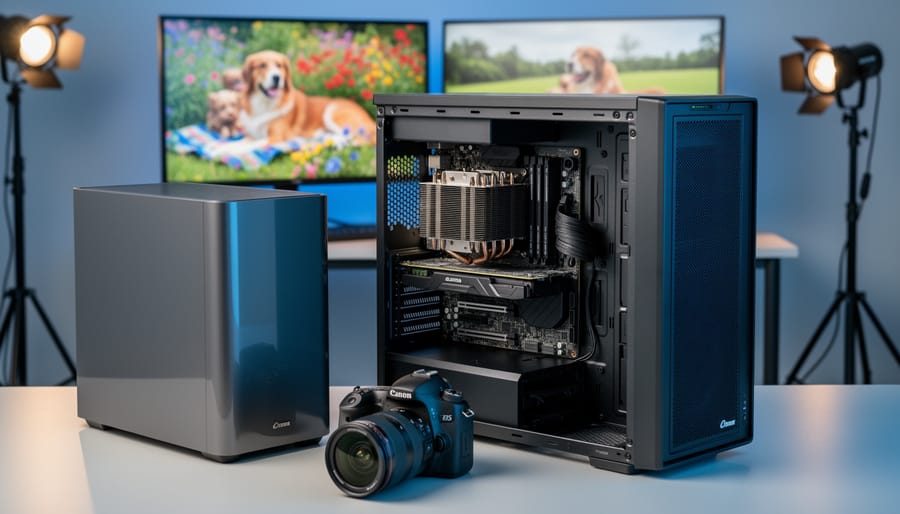
Your Lightroom catalog freezes for 30 seconds when building previews. Photoshop’s content-aware fill takes minutes instead of moments. Export times make you question every life choice that led to this moment. Before you blame your computer and drop thousands on a workstation CPU, understand what actually separates these processors from their mainstream counterparts and whether your editing workflow genuinely needs them.
Workstation CPUs like Intel Xeon and AMD Threadripper PRO aren’t just faster versions of consumer chips. They’re engineered with features that matter only in specific scenarios: support for massive …
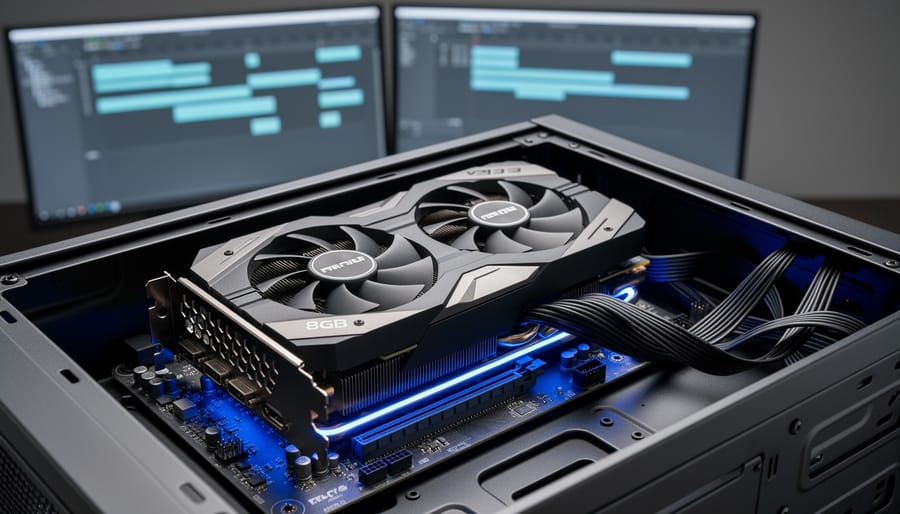
Why 8GB Video Cards Hit the Sweet Spot for Video Editing Workstations
Match your VRAM requirements to your actual timeline resolution and codec complexity before committing to an 8GB video card. If you’re working primarily with 1080p footage in H.264 or editing photos in Lightroom and Photoshop, 8GB provides comfortable headroom without overspending. However, editors juggling multiple 4K ProRes streams or working with RAW cinema formats will find themselves constrained quickly, especially when layering effects or color grading in DaVinci Resolve.
Test your current projects against VRAM usage monitoring tools to establish a baseline. Open your most demanding timeline, add your typical effects …
Why Professional Photographers Are Switching to LTO Tape Drives for Their Archives
Your photography archive has likely outgrown your collection of external hard drives, and you’re watching those storage costs multiply while worrying about drive failures. LTO tape drives represent the same archival technology that Hollywood studios and major broadcasters use to preserve their valuable footage, and this enterprise-grade solution has become surprisingly accessible to serious photographers and videographers who need to protect years of irreplaceable work.
An LTO-9 tape cartridge holds 18TB of compressed data, costs around $150, and carries a manufacturer-rated lifespan of 30 years when stored properly. Compare …
Why Your Monitor Is Lying to You (And How Calibration Software Fixes It)
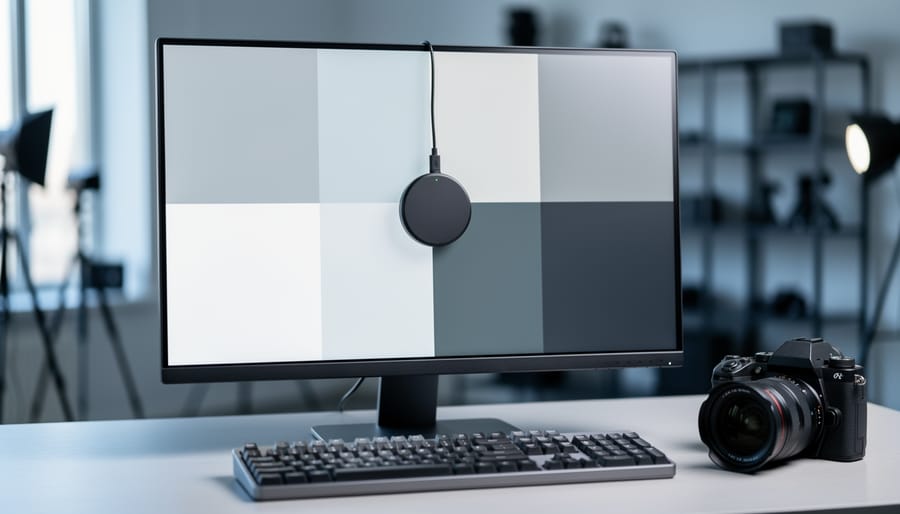
Understand that your monitor is lying to you right now. That vibrant sunset you captured and carefully edited on your screen? It might appear completely different when printed, shared online, or viewed on another display. This disconnect happens because every monitor interprets color data differently straight out of the box, and without calibration software working alongside a hardware colorimeter, you’re essentially editing blind.
Display calibration software serves as the translator between what your camera captures and what your screen displays. It works by measuring how your monitor currently reproduces colors, then …
Why Your Video Editing Workflow Is Slower Than It Should Be (Network Storage Explained)
Your local hard drives are maxing out, project files take forever to transfer, and you can’t work on footage while your editor is accessing the same files. These frustrations signal you’ve reached a tipping point that thousands of video professionals face: it’s time for network storage.
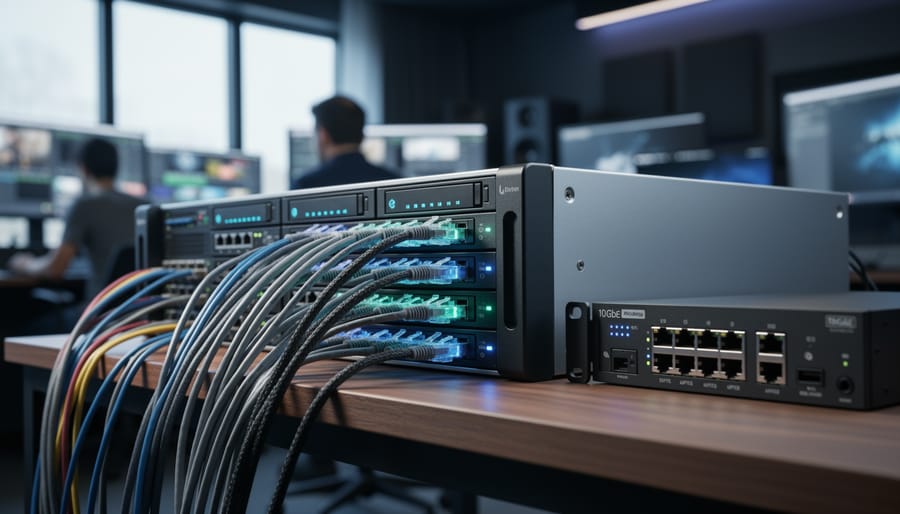
Network storage transforms how creative teams work by putting all your video files on a centralized system that multiple users can access simultaneously over your local network. Instead of juggling external drives or waiting hours for file transfers, you’re working directly from a shared pool of storage that everyone on your …