Optimize your portfolio images to 150-200KB per photo using tools like Lightroom’s export settings with 60-80% JPEG quality—this maintains professional visual standards while cutting load times by 70% compared to uncompressed files. Most visitors abandon sites that take longer than three seconds to load, and your hero images are usually the culprit.
Implement lazy loading on your portfolio pages so images load only as visitors scroll down, reducing initial page weight from several megabytes to under 500KB. Platforms like Squarespace and Format include this feature by default, while WordPress users can add it through plugins …

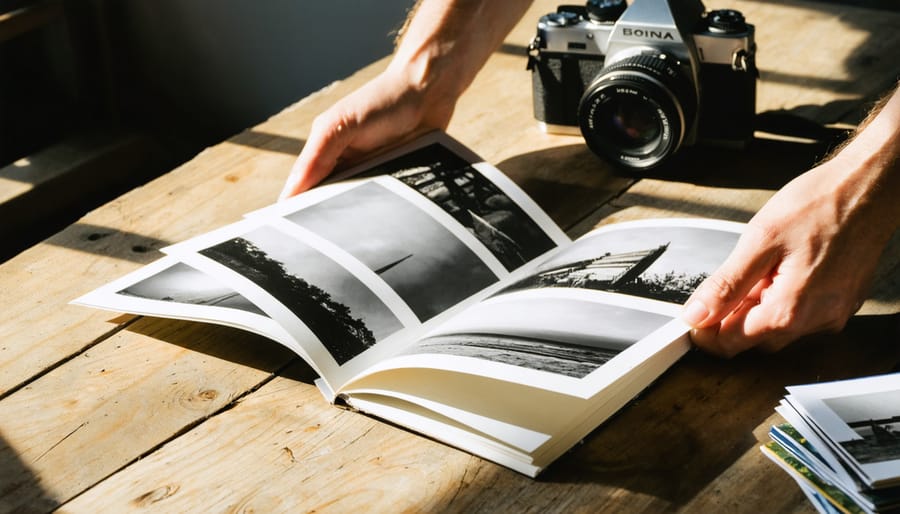
Why Photo Zines Are Bringing Authentic Photography Back
Gather your strongest 15-30 photographs around a single theme or visual narrative before you touch any design software. This focused curation forms the backbone of any compelling photo zine—whether you’re documenting your neighborhood, exploring abstract light studies, or sharing a personal photo essay. The editing process separates memorable zines from forgettable ones.
Design your layout using free tools like Canva or Adobe InDesign’s free trial, keeping spreads simple with generous white space. Most successful photo zines follow an 8.5×11-inch or 5.5×8.5-inch format because these dimensions print …
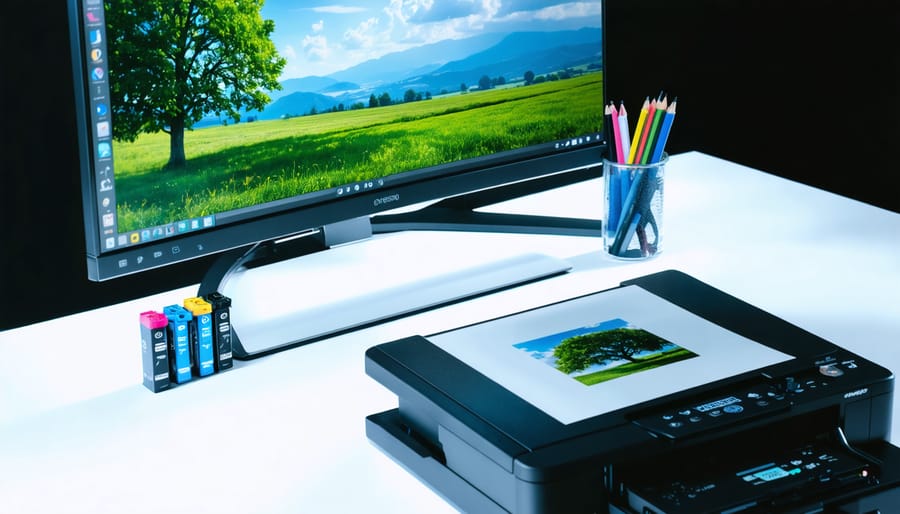
Why Your Prints Don’t Match Your Screen (And How CMYK Changes Everything)
You’ve spent hours perfecting that landscape photograph on your calibrated monitor, sent it to the printer, and received back something that looks muddy, flat, or just wrong. The culprit isn’t a careless printer—it’s the fundamental difference between how screens and paper create color. Your monitor uses RGB (red, green, blue light), while professional printing relies on the 4 color print process using CMYK inks: cyan, magenta, yellow, and black.
This disconnect catches most photographers off-guard because the two systems work in opposite ways. Monitors add colored light together to create brightness, while …
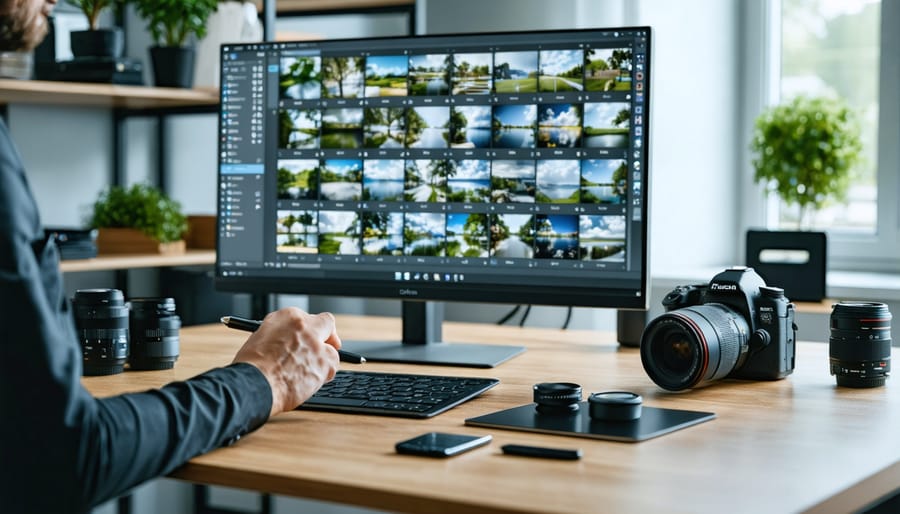
How Online Proofing Tools Save Professional Photographers Hours Every Week
You’ve just finished an amazing wedding shoot, culled 800 images down to 200 keepers, and spent hours editing. Now comes the part that somehow takes longer than it should: getting client feedback. You’re juggling email threads with attached JPEGs, trying to decipher messages like “I don’t like the third one” when you’ve sent fifteen photos, and wondering if your client actually received the latest revision you sent yesterday.
Online proofing tools solve this specific headache by creating a dedicated digital space where clients can view, comment on, and approve images without the chaos of email …