By
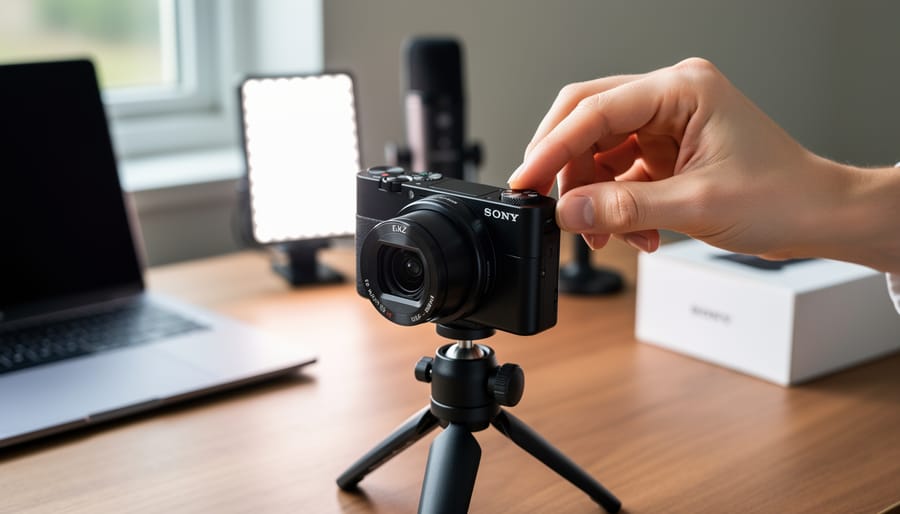
By Navigate to Shooting Mode on your Sony ZV-1’s mode dial and select Program Auto (P) for your first sessions—this gives you control over ISO and exposure compensation while the camera handles aperture and shutter speed, creating a safety net as you learn. Open the camera’s Function Menu by pressing the Fn button, then customize your seven shortcut slots to include Product Showcase Setting, Background Defocus, and Self-Timer, which are the three most-used features for content creators and vloggers working solo.
Set your video recording format to XAVC S HD at 1920×1080 with 30p frame rate through Menu > Camera …