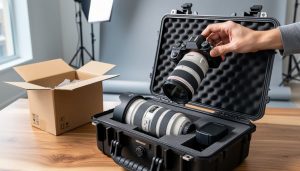
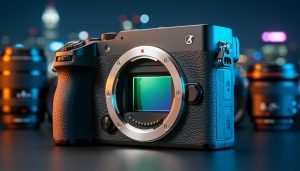
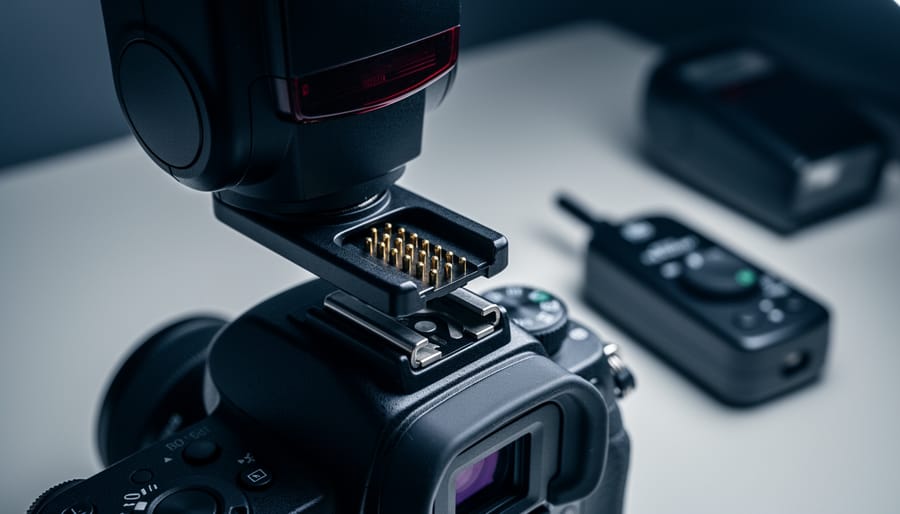
Your camera’s flash hot shoe is more than just a metal bracket—it’s a sophisticated communication hub that can make or break your lighting setup. When you slide a flash onto that shoe and power it on, invisible electronic conversations determine whether you’ll get full TTL metering, high-speed sync capabilities, or just basic manual triggering.
The frustration hits hard when you invest in a new flash only to discover it won’t fire at faster shutter speeds, or worse, displays cryptic error messages. Maybe you’re standing at a wedding ceremony, and your off-brand speedlight suddenly refuses to …
Why Your Camera Card Keeps Failing (And How to Choose the Right Recording Media)
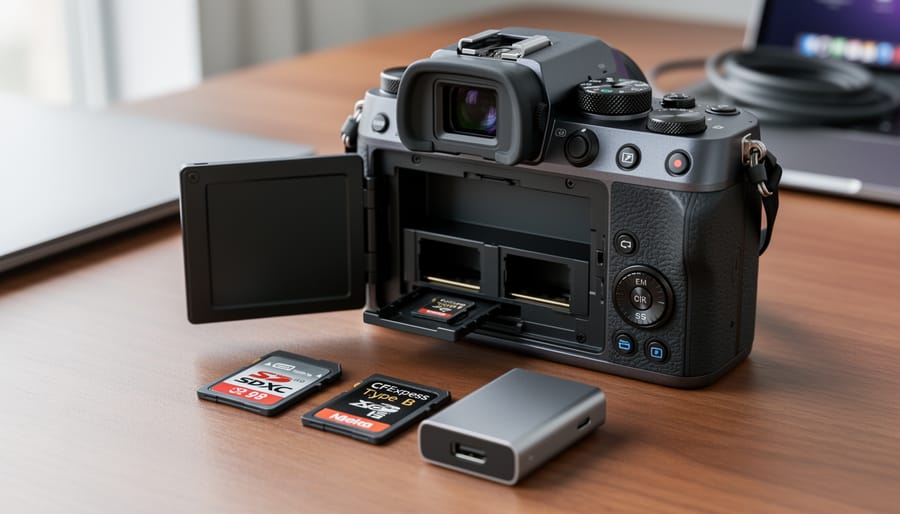
Match your memory card’s file system to your camera’s specifications before shooting—most modern cameras use exFAT for cards larger than 32GB, while older models require FAT32. Check your camera manual or manufacturer’s website to confirm compatibility, as using the wrong format can result in unrecognized cards, corrupted files, or shooting limitations that leave you unable to capture critical moments.
Format cards in-camera rather than on your computer whenever possible. This ensures the file system structure aligns perfectly with your camera’s requirements and creates the proper directory hierarchy for …
Why Your Camera’s HDMI Output Won’t Work With Every Monitor (And How to Fix It)
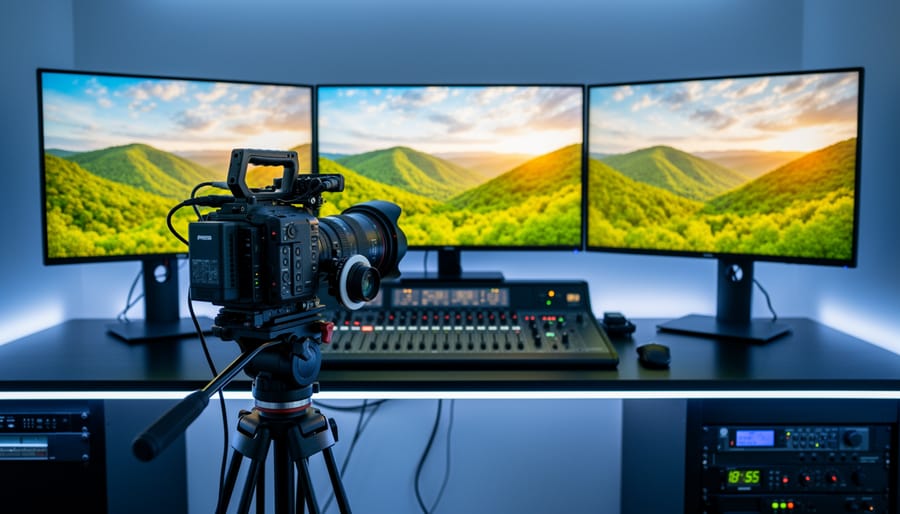
Match your camera’s output signal to your monitor’s input capabilities before purchasing any equipment—shooting with an older DSLR that only outputs HDMI won’t work with a broadcast-grade SDI-only monitor, no matter how many adapters you try. Check your camera’s specifications menu or manual to identify whether it provides clean HDMI output (without on-screen display information), and verify the resolution and frame rate it can transmit, since many cameras limit external output to 1080p even when recording 4K internally.
Test your connections in real shooting conditions before critical projects, because …
Why ACES Color Space Fixes Your Biggest Color Grading Headaches
You’ve probably heard whispers about ACES in forums or seen it mentioned in YouTube tutorials, wondering if it’s the secret ingredient missing from your color workflow. The Academy Color Encoding System isn’t just another buzzword—it’s a standardized color management framework developed by the Academy of Motion Picture Arts and Sciences that promises consistent color across different cameras, monitors, and delivery formats.
Here’s what matters for your work: ACES creates a common language for color data, functioning as an intermediary color space that preserves maximum image information from capture …
Why Your Nikon Lenses Won’t Autofocus on Canon (And What Actually Works)
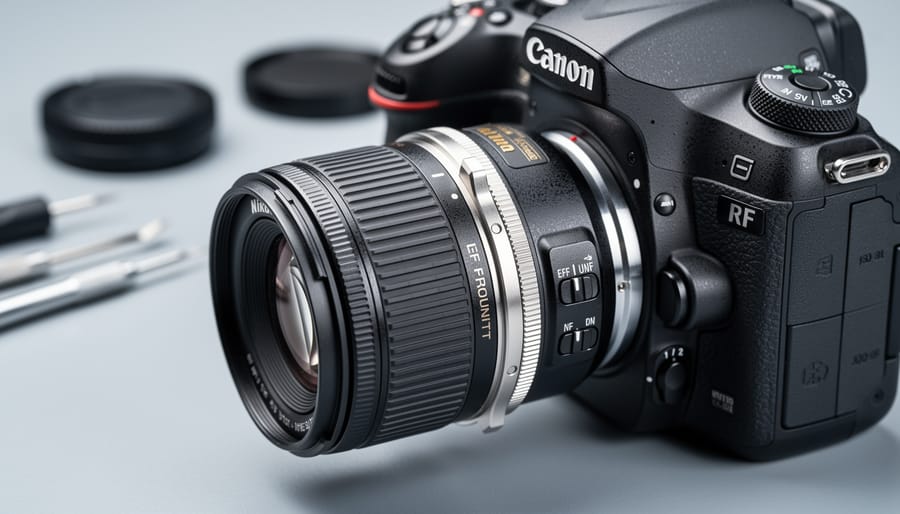
Understand this upfront: Nikon F-mount lenses will not autofocus on Canon EF or RF bodies, period. The adapter acts as a simple mechanical spacer because Nikon’s longer flange distance (46.5mm versus Canon’s 44mm for EF) makes the conversion physically possible, but the completely different electronic protocols mean your Canon camera cannot communicate with Nikon glass. You’ll be shooting fully manual—controlling focus, aperture, and in some cases even metering entirely by hand.
That said, this setup absolutely has its place. Manual focus adapters typically cost between $15 and $150 depending on build quality, …
Why Your Camera Needs Wireless Tethering (And How to Make It Work)
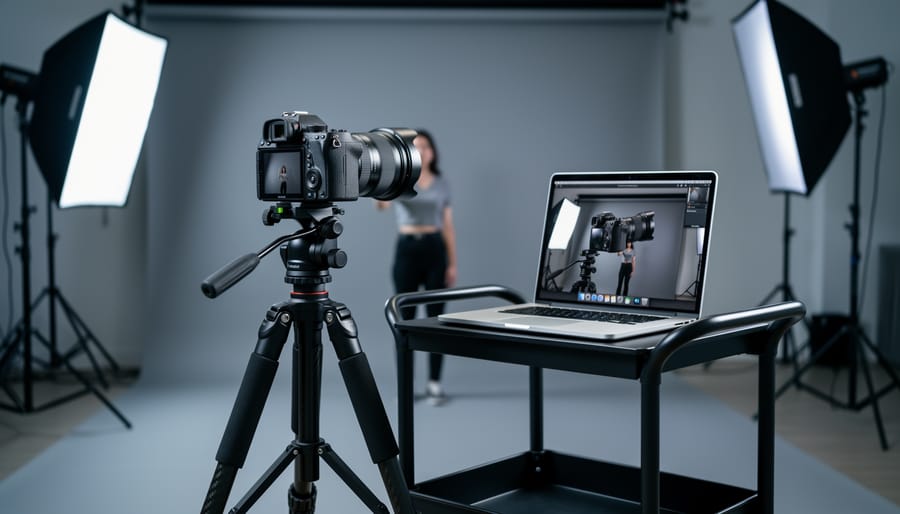
Connect your camera to your computer using a USB cable and dedicated tethering software like Lightroom or Capture One to instantly preview full-resolution images on a larger screen while shooting. This real-time workflow revolutionizes how photographers work on commercial shoots, studio sessions, and client presentations—but the traditional wired approach has evolved dramatically with wireless and cloud-based alternatives now reshaping the landscape.
Wireless tethering eliminates the physical cable that restricts your movement, allowing you to roam freely around your subject while maintaining instant image transfer to your …
Why LZW Compression Breaks Your RAW Footage (And What to Do About It)
LZW compression creates a frustrating paradox for photographers: it drastically reduces TIFF file sizes from RAW conversions, yet many professional editing applications refuse to open these files or display error messages during import. This compression algorithm, named after its creators Lempel-Ziv-Welch, has been around since 1984 and works brilliantly for storing high-quality images efficiently. The problem isn’t the compression itself—it’s that video editing software and some asset management systems treat LZW-compressed TIFFs as incompatible formats, leaving you staring at error dialogs when deadline pressure is already …