By
By 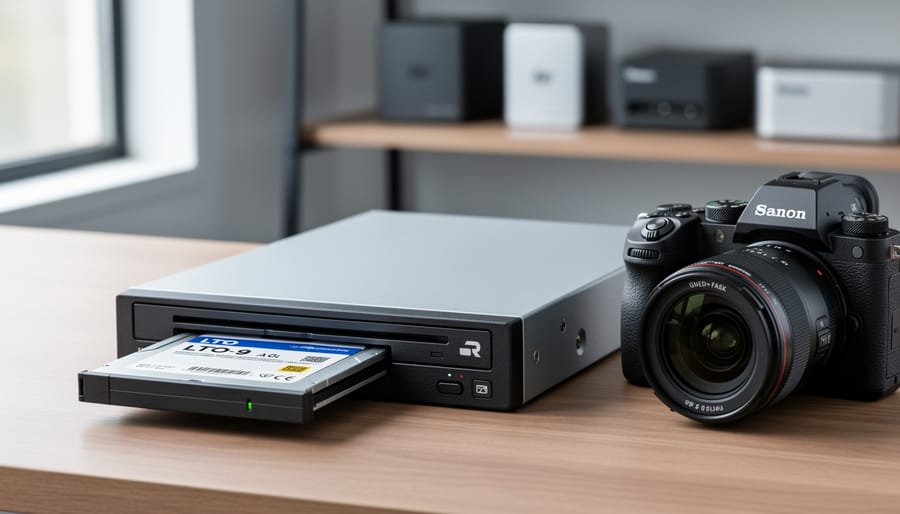
Your photography archive has likely outgrown your collection of external hard drives, and you’re watching those storage costs multiply while worrying about drive failures. LTO tape drives represent the same archival technology that Hollywood studios and major broadcasters use to preserve their valuable footage, and this enterprise-grade solution has become surprisingly accessible to serious photographers and videographers who need to protect years of irreplaceable work.
An LTO-9 tape cartridge holds 18TB of compressed data, costs around $150, and carries a manufacturer-rated lifespan of 30 years when stored properly. Compare that to maintaining multiple hard drives that need replacement every 3-5 years, require constant power monitoring, and cost $15-20 per terabyte. For a photographer with 50TB of archives, the math becomes compelling: roughly $400 in tapes versus $750-1000 in hard drives, with the tape solution offering genuine long-term stability.
The initial investment does require consideration. Entry-level LTO-8 drives start around $1,500 new, with LTO-9 systems reaching $4,000-5,000. However, the refurbished market offers viable alternatives, and the per-terabyte cost drops dramatically once you’re storing beyond 20-30TB. This isn’t a solution for every photographer, but if you’re shooting 4K or 6K video, managing client archives spanning multiple years, or simply exhausted by the hard drive replacement cycle, LTO deserves serious evaluation.
This technology does come with learning curves and workflow adjustments. Understanding what LTO tape drives actually are, how they integrate into a photography business, and whether the investment makes sense for your specific situation requires looking past the marketing claims and examining real-world implementation.
What Exactly Is an LTO Tape Drive?
If you’re sitting on terabytes of RAW files, video footage, and edited projects, you’ve probably realized that juggling external hard drives isn’t a sustainable long-term strategy. That’s where LTO tape drives enter the picture, offering a different approach to archiving that might seem surprisingly old-school at first glance.
LTO stands for Linear Tape-Open, and yes, we’re talking about magnetic tape technology, the same fundamental concept that powered cassette tapes decades ago. But modern LTO is far from your father’s mixtape collection. Think of it as magnetic tape that went to graduate school and became a data storage specialist.
Here’s how it works in simple terms: An LTO tape drive reads and writes data to specially designed tape cartridges. Unlike hard drives where a spinning disk provides random access to any file instantly, tape storage is sequential. The drive needs to physically wind through the tape to find specific data, much like fast-forwarding through a VHS tape. This sounds inconvenient, and for active project files, it absolutely would be. But for long-term archiving where you’re storing completed work you won’t need to access daily, this trade-off becomes acceptable.
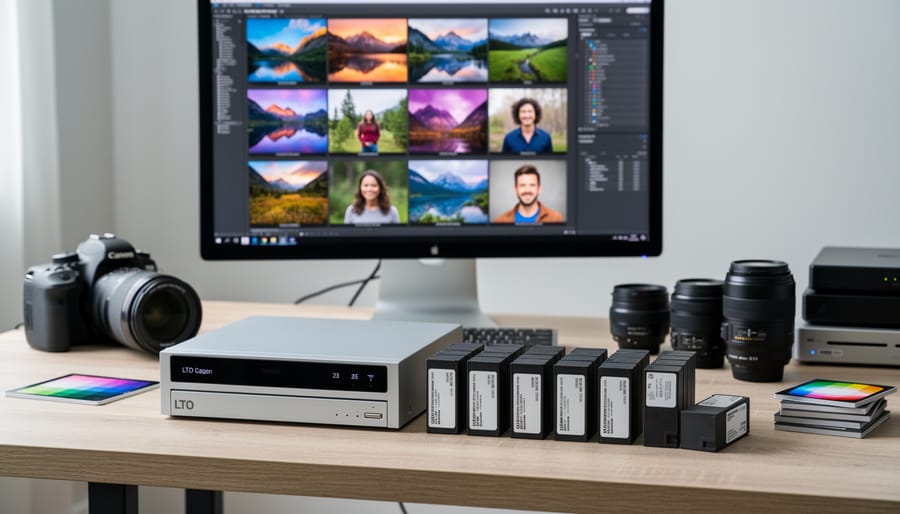
The current generation standards are LTO-8 and LTO-9. An LTO-8 cartridge holds up to 12TB of native storage (30TB compressed, though photographers should ignore compression claims since RAW files don’t compress well). LTO-9, released in 2021, bumps that to 18TB native capacity. Each generation also brings faster transfer speeds, with LTO-9 achieving around 400MB per second.
Why does this matter for photographers? Because tape cartridges, once written and stored properly, can last 30 years or more without power. They’re immune to the bit rot that plagues hard drives, resistant to electromagnetic interference, and cost roughly one-tenth the price per terabyte compared to traditional storage methods. For studios generating massive archives that need preservation rather than constant access, LTO provides an economical safety net that hard drive arrays simply can’t match at scale.
The Cold, Hard Truth About Hard Drives and Cloud Storage
Hard Drives Aren’t Forever
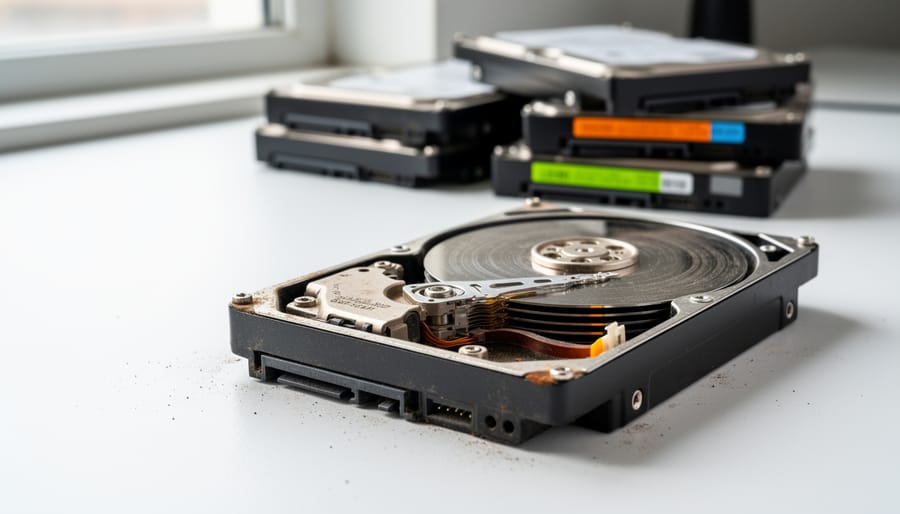
Here’s the uncomfortable truth about hard drives: they’re all living on borrowed time. Whether you’re using traditional spinning drives or solid-state options, mechanical failure and degradation are inevitable.
Most consumer hard drives have an expected lifespan of 3-5 years under normal use. That might sound reasonable until you’re staring at a decade’s worth of wedding photos or client work. Hard drives fail in several ways: the mechanical components in spinning drives eventually wear out, read/write heads can crash into platters, and even SSDs experience cell degradation after enough write cycles.
The statistics aren’t comforting either. Backblaze, a cloud storage company that monitors hundreds of thousands of drives, reports annual failure rates between 1-2% for most consumer drives. That means if you’re managing ten drives in your archive, you’re looking at probable failure within any given year.
Beyond catastrophic failure, there’s silent degradation. Bit rot can corrupt files without warning. Drives left unpowered for extended periods may develop issues. And here’s the kicker: modern high-capacity drives often fail completely rather than showing warning signs, giving you little opportunity for emergency recovery.
For photographers and videographers with valuable archives, this creates an expensive treadmill of constantly replacing drives, maintaining multiple redundant copies, and perpetually worrying about data integrity.
Cloud Storage: The Hidden Costs Add Up
Cloud storage seems like the easy solution at first. Upload your files, access them anywhere, and never worry about hardware failures. But let’s do some honest math here.
Most photographers need at least 2TB of cloud storage, often much more as their archive grows. At current pricing from major providers like Dropbox, Google, or Adobe Creative Cloud, you’re looking at around $10-20 per month for 2TB. That sounds reasonable until you calculate the long-term commitment.
Over 10 years, that $15 monthly subscription becomes $1,800. Stretch it to 20 years, and you’ve spent $3,600. And here’s the kicker: if your archive grows to 5TB or 10TB, those costs multiply proportionately. A 10TB archive could easily run you $50-100 monthly, which translates to $12,000-24,000 over 20 years.
Compare that to a one-time LTO tape drive investment of $3,000-4,000 plus tapes, and the economics shift dramatically. You’re not just renting storage space anymore; you own your infrastructure.
There’s another hidden cost worth mentioning: you’re perpetually dependent on your provider’s pricing decisions and business continuity. Prices can increase, terms can change, or services can be discontinued. Real-world example: Amazon killed unlimited photo storage for Prime members in 2021, forcing millions to scramble for alternatives or pay significantly more.
For photographers building serious archives intended to last decades, these subscription costs represent money that never builds equity in your storage infrastructure. It’s the difference between renting and owning.
Why LTO Tape Drives Make Sense for Photography Archives
30-Year Lifespan: Archival Storage That Outlasts Your Career
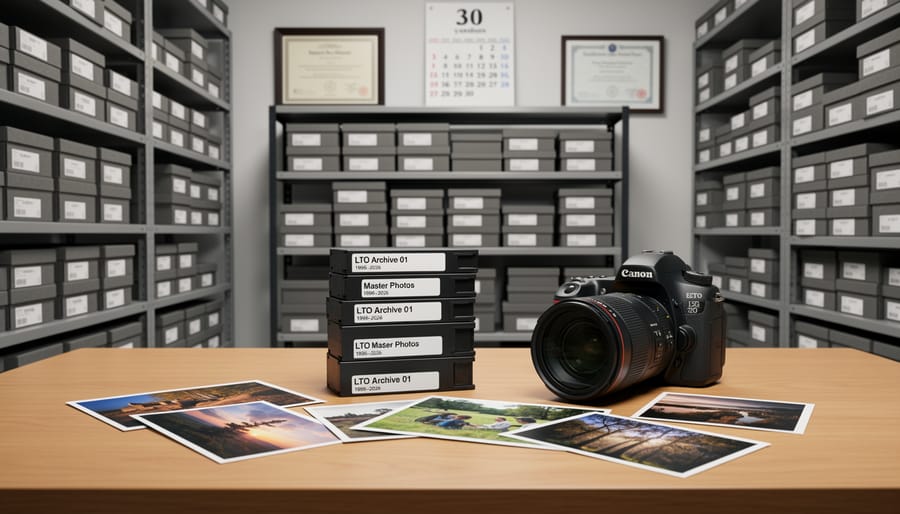
Here’s something photographers rarely consider when choosing storage: your work might outlive your career. LTO tapes, when stored properly, have a rated lifespan of 30 years—and in ideal conditions, many experts believe they’ll last even longer.
Think about what that means. Photos you archive today could be perfectly preserved when your grandchildren are looking through your life’s work. Compare that to hard drives, which typically last 3-5 years with regular use, or SSDs with their 5-10 year expectation. Even professionally-maintained cloud services change hands, shut down, or alter their terms over time.
The key to achieving this longevity is proper storage. LTO tapes need to be kept in a temperature-controlled environment—ideally between 60-77°F with 20-50% relative humidity. They should be stored vertically in their cases, away from magnetic fields and direct sunlight. This isn’t particularly demanding; a climate-controlled closet works perfectly fine.
Real-world evidence supports these claims. Media companies and archives have successfully recovered data from tapes stored for decades. One photographer I spoke with recently recovered wedding photos from LTO-1 tapes created in 2000—perfectly intact after 24 years.
For photographers building a legacy archive, this longevity represents peace of mind. Your best work remains accessible and protected long after current technology becomes obsolete, giving you true archival confidence.
Cost Per Terabyte: The Math That Matters
Let’s look at the real numbers, because this is where LTO either makes sense for your workflow or doesn’t.
For this comparison, I’m using current market prices: LTO-9 tapes at roughly $100 each (18TB capacity), enterprise hard drives at $15 per TB, and cloud storage at $5 per TB annually for archival tiers like Amazon Glacier Deep Archive.
Over five years, storing 100TB breaks down like this: LTO-9 requires six tapes ($600) plus a drive ($3,500-$5,000), totaling around $4,600. Hard drives need about seven 14TB drives ($10,500). Cloud storage costs $2,500, but that’s just the beginning of a recurring bill.
The ten-year picture shifts dramatically. Your LTO investment stays at roughly $4,600 (tapes last 30 years with proper storage). Hard drives? You’ll likely replace failed units, pushing costs to $15,000 or more. Cloud storage hits $5,000 and keeps climbing.
At twenty years, LTO remains around $4,600. Hard drives could reach $20,000-$25,000 through multiple replacement cycles. Cloud storage? A staggering $10,000, with no end in sight.
Here’s the practical takeaway: if you’re archiving under 20TB and don’t plan long-term growth, hard drives might suffice. Between 20-50TB with serious archival needs, LTO becomes competitive. Beyond 100TB, LTO is typically the clear winner financially. The upfront cost stings, but for photographers shooting hundreds of terabytes of raw files over a career, the math becomes undeniable.
Offline Storage Means Real Security
Here’s one of the most compelling reasons photographers are turning to LTO tape: once you write your data and store those tapes offline, they’re essentially invisible to the digital world. This air-gapped security means your irreplaceable photos exist in a form that ransomware, hackers, and malicious software simply cannot touch.
Think about it. When your backup drives are constantly connected to your computer or network, they’re vulnerable to the same threats as your primary storage. We’ve heard heartbreaking stories from photographers who lost not just their working files but their backup drives too when ransomware encrypted everything connected to their system. LTO tapes sitting on a shelf in your office are completely immune to these attacks.
For professional photographers whose entire business depends on their image archive, this peace of mind is invaluable. Your client work, your personal projects, your life’s creative output—all safely stored in a format that exists completely outside the reach of online threats. Yes, you’ll need proper physical security for your tapes, but protecting them from fire or theft is far more straightforward than defending against constantly evolving digital threats. This offline nature transforms LTO from just another backup method into a genuine insurance policy for your intellectual property.
Massive Capacity for RAW Files and Video
When you’re managing a growing archive of high-resolution RAW files and video projects, storage capacity quickly becomes a critical concern. This is where LTO tape drives truly shine. Current generation LTO-8 tapes hold 12TB of data in their native (uncompressed) state, while the newer LTO-9 format pushes that to an impressive 18TB per cartridge. With compression enabled, these numbers can theoretically double, though photographers should plan based on native capacity since RAW files and video footage don’t compress much.
To put this in practical terms, a single LTO-9 tape could store approximately 300,000 RAW files from a 45-megapixel camera, or roughly 40 hours of 4K video footage. For wedding photographers shooting multiple events per month, or landscape photographers returning from expeditions with thousands of images, this means your entire year’s work might fit on just a handful of cartridges.
The real advantage becomes clear when you compare costs. While a single 18TB external hard drive might cost $300-400, an LTO-9 tape runs around $100-150 and offers superior longevity. For videographers working with 8K projects that can easily exceed 10TB per production, tape storage transforms from luxury to practical necessity, providing both the capacity and long-term reliability that modern media workflows demand.
What You Actually Need to Get Started
Choosing Your LTO Drive
When you’re ready to take the plunge into LTO, you’ll face several decisions that significantly impact your experience and budget. Let’s break down the key choices in practical terms.
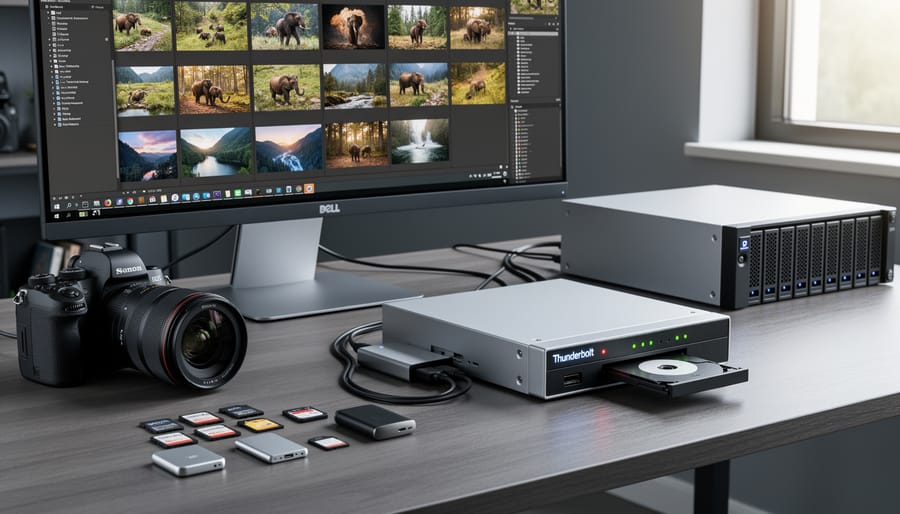
The first decision is internal versus external drives. Internal drives connect directly to your computer’s motherboard via SAS (Serial Attached SCSI) and typically cost less, but they require a compatible SAS controller card and an available drive bay. This setup works beautifully if you’re building or upgrading a professional editing setup with tower cases. External drives connect via Thunderbolt and offer true plug-and-play convenience, especially for Mac users or those with compact workstations. The trade-off? External Thunderbolt drives cost considerably more, sometimes double the price of equivalent internal drives.
For connectivity, Thunderbolt provides simplicity and works across multiple computers easily, making it ideal if you’re moving between workstations. SAS connections require that controller card but generally offer slightly faster sustained transfer speeds and better compatibility with enterprise-grade drives.
Generation choice depends on your storage needs and budget. LTO-5 drives (1.5TB native capacity) are affordable entry points for smaller archives under 20TB total. LTO-7 (6TB native) hits the sweet spot for most photographers with growing collections, while LTO-8 and LTO-9 make sense when you’re archiving hundreds of terabytes annually. Remember, newer generations write faster and reduce the time you’ll spend managing backups. A realistic starting point for serious photographers is LTO-7 external Thunderbolt, balancing capacity, speed, and compatibility.
Software That Makes Tape Storage Actually Usable
Here’s the reality: LTO hardware is only half the equation. Without proper software, you’re essentially driving a Ferrari with bicycle handlebars. The good news? Several excellent applications exist specifically to tame tape storage and make it genuinely useful for photographers and video professionals.
Think of backup software as your tape library’s card catalog system. BRU (Backup and Restore Utility) remains a popular choice among Mac users who want straightforward, no-nonsense tape management. It creates searchable indexes of your archived files, so you’re not blindly guessing which tape contains that wedding shoot from 2019. Pricing typically starts around $600 for a single-drive license.
YoYotta offers a more modern interface that appeals to video editors and digital imaging technicians. Its LTFS (Linear Tape File System) support means tapes appear like regular hard drives when mounted, making the transition less jarring for newcomers. The software handles verification automatically, ensuring your precious RAW files actually made it to tape correctly.
Archiware P5 takes things further with enterprise-level features in a package that scales down for smaller studios. It offers email notifications when archives complete, detailed logging, and the ability to clone tapes for off-site storage—something professionals should absolutely consider.
The real magic happens with cataloging. Quality tape software creates databases of every file you’ve archived, complete with metadata. Need that specific product shot from six months ago? Search by filename, date, or project name, and the software tells you exactly which tape to load. This searchability transforms tape from a write-once black hole into a legitimate archival system you’ll actually use.
The Real Investment: What It Costs
Let’s talk real numbers, because LTO isn’t exactly an impulse purchase you’ll grab at the checkout counter.
For an entry-level setup, you’re looking at an LTO-7 drive for around $1,200 to $1,800 (often available refurbished for $800-$1,000). Each LTO-7 tape holds 6TB native (up to 15TB compressed) and costs about $35-$50. You’ll also need a SAS host bus adapter card for your computer, adding another $50-$150 to your initial investment. Figure on spending roughly $2,000 to get started with a modest tape library.
Professional setups using LTO-9 drives run significantly higher. New LTO-9 drives start around $4,000-$5,000, with tapes at $120-$150 each for 18TB native capacity. Some photographers opt for automated tape libraries with multiple drives and slots, which can reach $10,000 or more.
Here’s the perspective shift: compare that $2,000 entry cost to buying multiple hard drives over five years. At current prices, you’d need four 6TB drives at $150 each, replaced twice for redundancy, totaling $1,200 plus the anxiety of potential failures. LTO’s per-terabyte cost drops dramatically as your archive grows. One photographer I know calculated his break-even point at around 50TB of archived RAW files, which took him about three years to reach.
How Professional Photographers Use LTO in Their Workflow
The 3-2-1 Backup Strategy with LTO
If you’ve spent time researching professional backup strategies, you’ve likely encountered the 3-2-1 rule. It’s a straightforward principle that forms the backbone of reliable data protection: keep three copies of your data, stored on two different types of media, with one copy stored offsite.
Here’s where LTO tape drives shine. In a typical photographer’s workflow, you might have your working files on a fast SSD or hard drive (copy one), a mirrored RAID system or external hard drive backup (copy two), and then LTO tapes as your third copy. The beauty of this approach is that each storage type serves a different purpose and has different failure modes, protecting you from multiple disaster scenarios.
LTO fulfills the critical offline component of this strategy. Unlike cloud storage or network-attached drives, tapes sit completely disconnected from your computer and network. This means they’re immune to ransomware attacks, power surges while protecting your workstation, or accidental deletion. If a virus corrupts your working drive and your backup drive simultaneously, your tapes remain untouched in their cases.
For the offsite requirement, tapes are exceptionally portable. You can easily rotate sets between your studio and a safety deposit box, a trusted friend’s location, or a climate-controlled storage unit, ensuring survival even in worst-case scenarios like fire or theft.
When to Archive vs. When to Keep on Fast Storage
The key to an effective archiving strategy is understanding the difference between active storage workflows and long-term preservation. Think of it this way: your working drives are your desk, while LTO tape is your filing cabinet.
Wedding photographers typically follow a practical timeline. Keep the final edited images and RAW files on fast storage for 2-3 months post-delivery, allowing time for reprint requests or minor adjustments. Once the busy season ends and those files haven’t been touched in 60 days, archive them to LTO. One wedding photographer I spoke with archives each season’s work every January, clearing 8-10 TB of completed projects from expensive SSDs.
Commercial photographers need longer accessibility windows. Product shots and corporate headshots often require updates 6-12 months later when companies refresh marketing materials. Keep these projects on RAID storage until the contract period expires or the client confirms no further edits are needed. Then archive to tape with detailed indexing for easy retrieval if needed years later.
Documentary photographers face different considerations. Archive B-roll and alternate takes within weeks of completing a project, but keep your hero shots and published sequences on fast storage indefinitely since these images often get licensed repeatedly. Archive chronologically by project completion date rather than shoot date.
The general rule: if you haven’t accessed a file in 90 days and the project is definitively closed, it belongs on tape. This approach maximizes your expensive fast storage for revenue-generating work while protecting completed projects affordably.
The Downsides You Need to Know About
Tape Is Slow (And That’s Okay)
LTO tape isn’t designed to compete with fast storage solutions like SSDs or even modern hard drives. It uses sequential access, meaning the drive reads data from start to finish, like an old cassette tape. Want a file from the middle? The drive has to physically wind through the tape to reach it, which takes time.
This contrasts with random access storage like SSDs and hard drives, where your computer can jump directly to any file location almost instantly. That’s why you edit photos from an SSD, not from tape.
But here’s the thing: for archival storage, this doesn’t matter. You’re not constantly accessing old wedding shoots from three years ago. When you do need them, waiting a few minutes while the tape locates your files is perfectly acceptable. Tape excels at write-once, read-rarely scenarios, which describes most photography archives perfectly. The tradeoff for slower access is massive capacity, longevity, and cost efficiency.
The Upfront Investment Hurts
Let’s be honest: the initial cost of LTO is rough. You’re looking at $2,500 to $4,000 for a decent LTO-8 or LTO-9 drive, and that’s before you buy a single tape. This isn’t an impulse purchase you make on a Tuesday afternoon.
If you’re shooting occasionally on weekends and have less than 5TB of images to archive, LTO probably isn’t for you yet. Traditional external hard drives with a proper 3-2-1 backup strategy will serve you better and cost significantly less upfront.
However, if you’re a working professional with 10TB or more of client work, shooting regularly, and watching your archive grow by terabytes each year, the math starts changing. Wedding photographers with years of client galleries, commercial shooters with high-resolution campaigns, and landscape photographers returning from expeditions with thousands of RAW files will find that LTO’s per-terabyte cost drops dramatically once you’re using it consistently.
The sweet spot is when you have substantial existing archives and predictable ongoing storage needs. If you’re still figuring out your workflow or unsure about your long-term photography commitment, wait. But if you’re managing a genuine archive that keeps you awake at night worrying about drive failures, LTO deserves serious consideration despite that painful upfront check you’ll need to write.
So, does LTO make sense for your photography work? The honest answer is: it depends on where you are in your journey and what you’re protecting.
If you’re a high-volume shooter, LTO starts making real financial sense. Wedding photographers shooting 50+ events annually, commercial studios with daily product shoots, or sports photographers generating terabytes monthly will find that LTO’s per-gigabyte cost beats hard drives within a couple of years. The same goes for professionals with extensive back catalogs spanning years or decades. When you’re sitting on 50TB or more of irreplaceable client work, the investment in proper archival infrastructure becomes not just justifiable but necessary.
Studios and photography businesses benefit particularly from LTO’s verifiable integrity and standardization. When you’re responsible for client archives and potential reprints years down the line, you need more than crossed fingers and duplicated drives. The ability to verify data integrity and maintain legally defensible archives matters.
On the other hand, if you’re a hobbyist shooting a few thousand images yearly, or an enthusiast with modest storage needs under 5TB, simpler solutions likely make more sense. The upfront investment in LTO hardware won’t pay off quickly enough, and well-managed hard drive redundancy combined with cloud backup provides adequate protection without the complexity.
Whatever solution you choose, the crucial message is this: treat your archives seriously. Develop a real backup strategy, test your backups regularly, and follow through consistently. Your camera gear can be replaced. Your hard drives can be upgraded. But those decisive moments, those irreplaceable client deliverables, those years of creative work? Once they’re gone, they’re gone forever. Protect them accordingly.





 By
By