 By
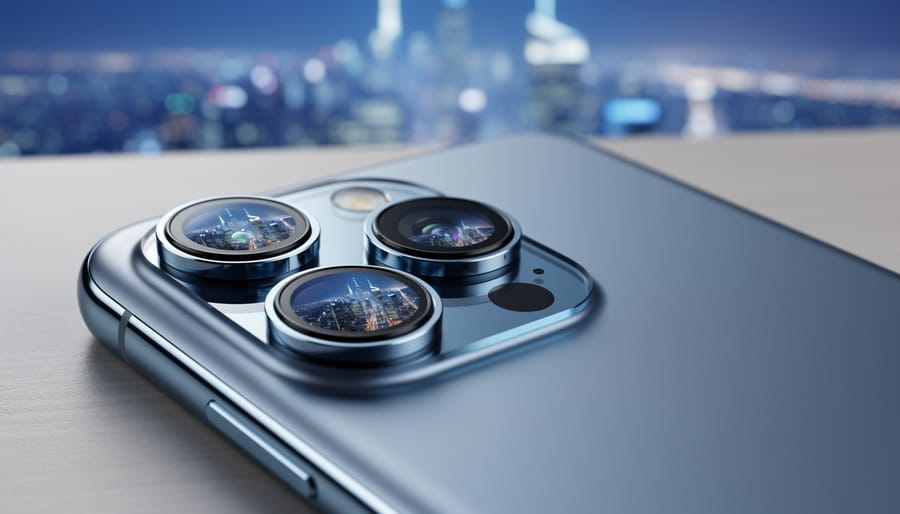
By Flip open your smartphone’s camera app and you’ll see options for 0.5x, 1x, 2x, maybe even 5x or 10x. Each number represents a different lens with its own unique perspective, but here’s what most people don’t realize: these aren’t just zoom settings—they’re distinct creative tools that fundamentally change how your photos look and feel. That ultra-wide 0.5x lens doesn’t simply show “more stuff” in the frame; it stretches perspective, making foregrounds dramatic and backgrounds seem miles away. Your main 1x camera captures scenes closest to how your eye sees them, while telephoto …
Transform Your Phone Photos with Just Two Lights
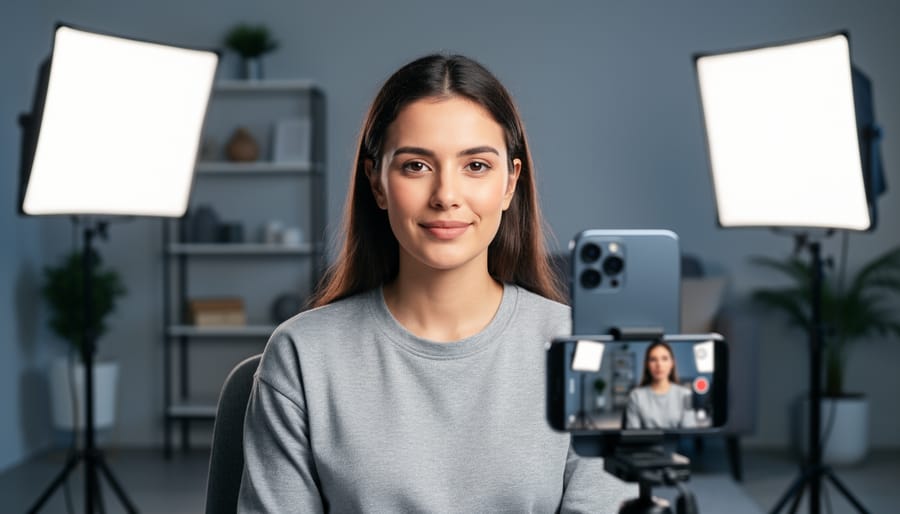
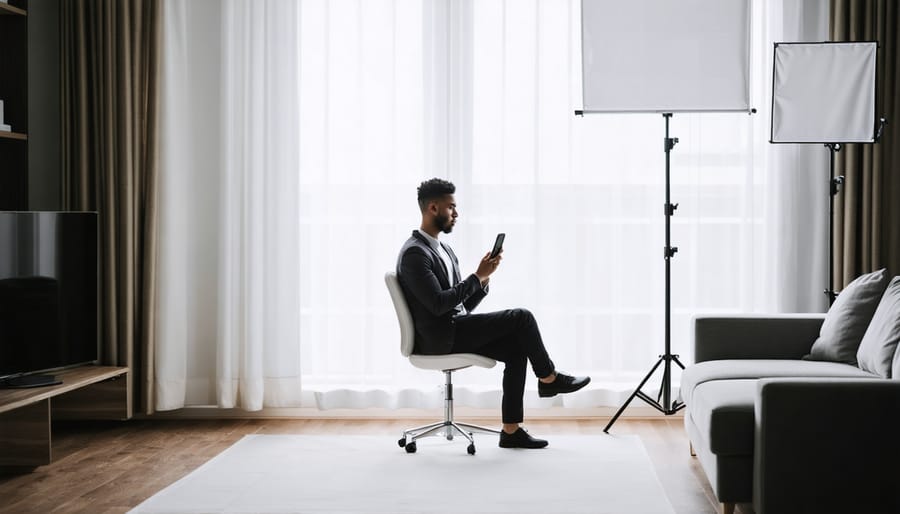
Position your key light at a 45-degree angle from your subject’s face, elevated slightly above eye level, to create natural dimension and flattering shadows. This becomes your primary light source, doing about 70% of the work in your two-light setup.
Place your fill light on the opposite side at a lower intensity—roughly half the power of your key light—to soften those shadows without eliminating them completely. This ratio creates depth while keeping your subject’s features visible and professional-looking.
Master the classic Rembrandt setup by angling your key light to create a small triangle of light on the…
Transform Your Phone Photos with These Simple Lighting Modifiers
Position your smartphone behind a simple white shower curtain while shooting near a window, and you’ve just created a professional-grade softbox that transforms harsh sunlight into flattering, wraparound illumination. Tape white poster board at a 45-degree angle beside your subject to bounce light into shadows, eliminating the unflattering contrast that plagues most mobile portraits. Hold a black foam board opposite your light source to add depth and dimension by preventing unwanted fill light from washing out your subject’s features.
These techniques represent the foundation of lighting modification—the art of …
Why Mobile Photographers Are Ditching Ring Lights for Umbrellas
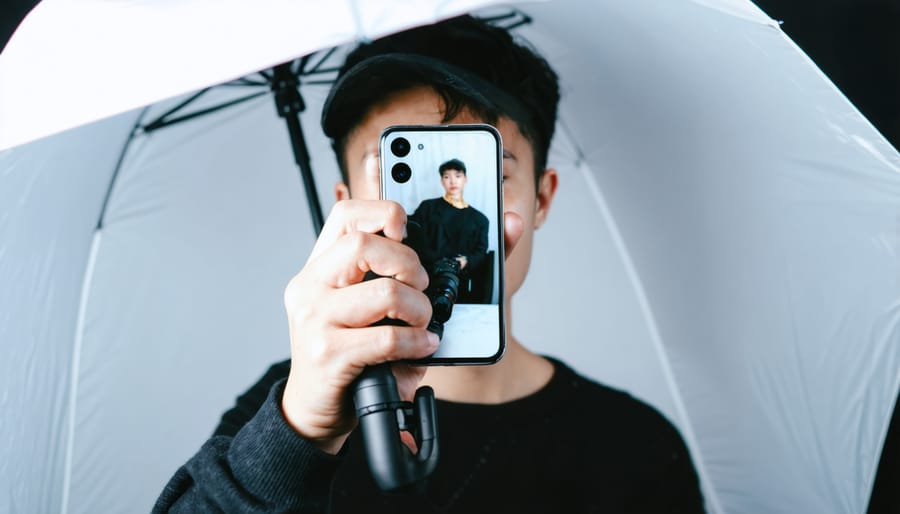
Position your umbrella 45 degrees above and to the side of your subject to create flattering, dimensional lighting that mimics natural window light—this three-quarter positioning eliminates harsh shadows while maintaining texture and depth in your mobile photos. Choose white umbrellas for softer, more diffused illumination when photographing portraits or product details, or select silver-lined versions when you need increased contrast and punch for dramatic effect. Mount affordable LED panels or continuous light sources compatible with standard umbrella brackets, ensuring your smartphone camera can properly expose without the complicated…

Edit Photos Like a Pro in Seconds: The Quick Mobile Editing Apps That Actually Work
Choose apps that prioritize speed over feature bloat—look for interfaces that put your most-used tools (exposure, contrast, saturation) within one tap of opening a photo. Download mobile editors with gesture-based controls like swipe-to-adjust sliders rather than hunting through nested menus, shaving seconds off every edit. Leverage preset systems that let you apply consistent looks across photo batches in under five seconds per image, then fine-tune only what needs adjustment.
The difference between quick photo editing and frustrating mobile workflows often comes down to strategic tool selection and mastering …
Perfect Mobile Photos in Any Light: Expert Tips for Natural, Artificial, and Mixed Lighting
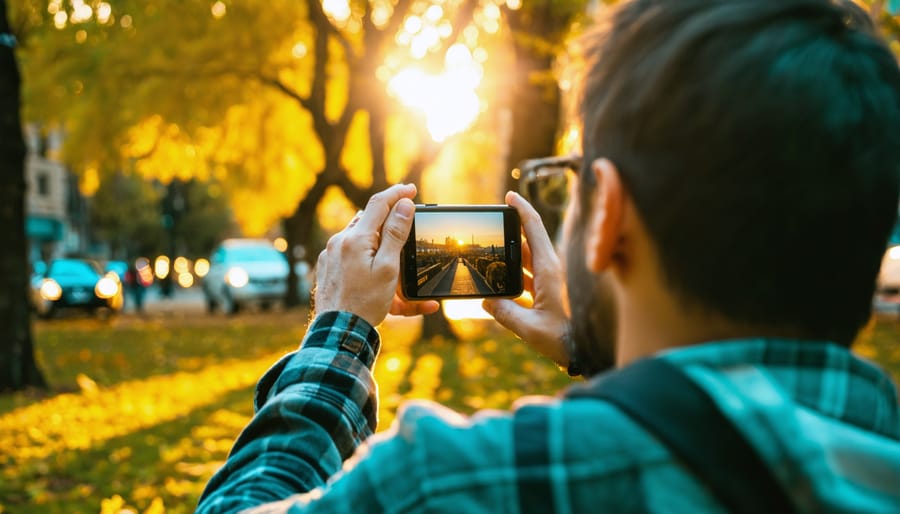
Mastering light transforms ordinary photos into captivating visual stories. Whether you’re exploring smartphone photography secrets or wielding professional equipment, three fundamental types of lighting shape every memorable image: natural, artificial, and mixed lighting. Natural light streams through windows, paints landscapes at golden hour, and creates dramatic shadows on overcast days. Artificial light, from studio strobes to LED panels, offers precise control over every shadow and highlight. Mixed …
Layer-Based Photo Editing Finally Makes Sense on Your Phone
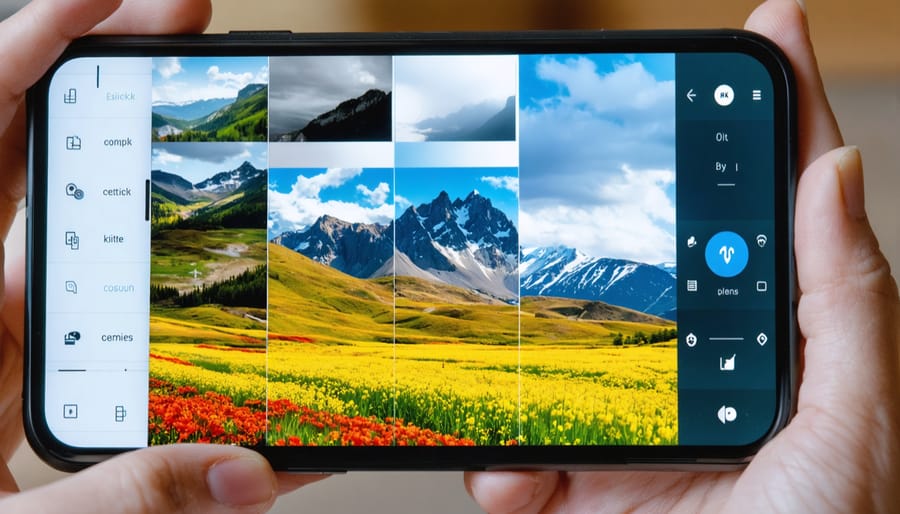
Transform your mobile photography workflow with layer-based editing, the secret weapon behind pro-level mobile editing techniques. Gone are the days when sophisticated photo manipulation required a desktop computer – today’s mobile editors pack professional-grade layering capabilities into your pocket.
Leading apps like Photoshop Express, Affinity Photo, and Snapseed now offer robust layer support, enabling precise control over every aspect of your image. Stack adjustments, blend textures…
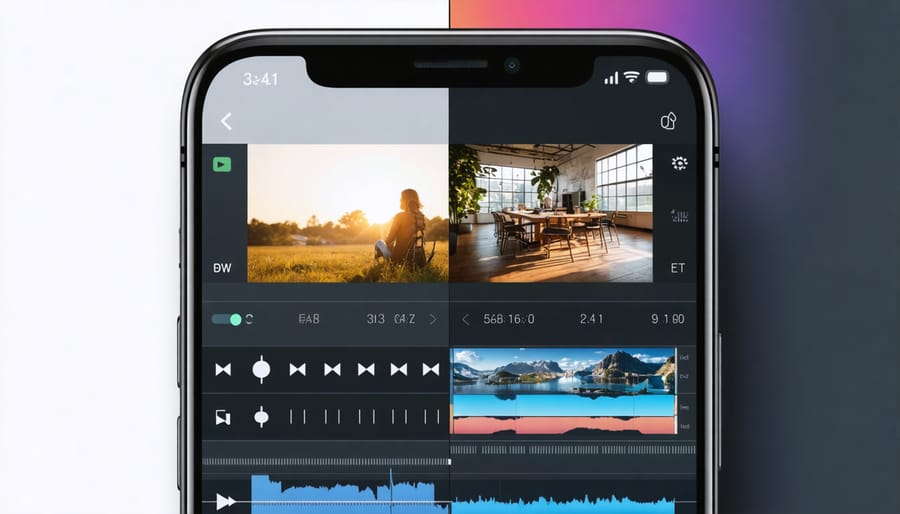
Pro-Level Video Editing Right From Your Phone (Mobile Apps That Actually Work)
Transform your smartphone into a professional editing suite with today’s cutting-edge video editing mobile apps. Creating pro-quality videos from your phone has never been more accessible, whether you’re crafting content for social media or producing professional projects.
Gone are the days when serious video editing required a powerful desktop computer. Modern mobile video editing platforms now pack professional features like multi-track editing, color grading, motion graphics, and advanced …
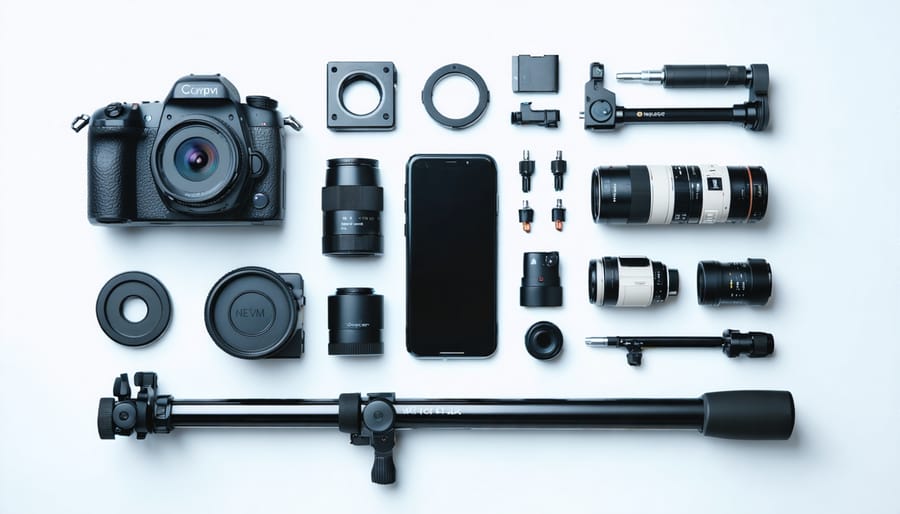
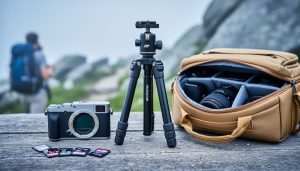
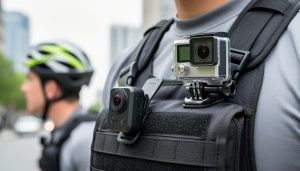
Transform Your Phone Into a Pro Camera With These Clever Accessories
Transform your smartphone into a professional-grade camera with the right accessories. Beyond mastering essential smartphone photography secrets, specialized gear elevates mobile photography from casual snapshots to portfolio-worthy images. Today’s mobile accessories rival traditional camera equipment, offering stabilization systems that eliminate shake, professional-grade lenses that capture stunning macro and wide-angle shots, and lighting solutions that turn any location into a studio.
Whether …
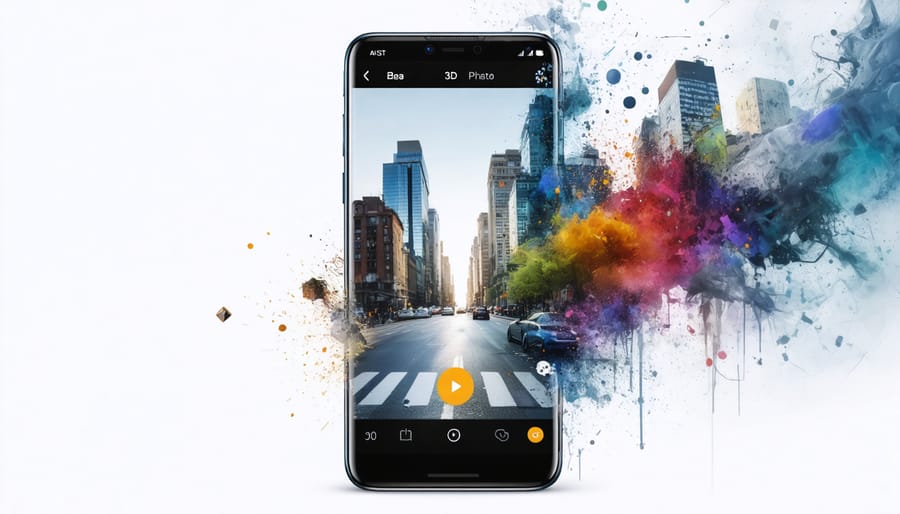
Transform Your Photos Into Stunning 3D Memories: Best Mobile Apps for 3D Photography
Transform your smartphone into a powerful 3D imaging studio with today’s cutting-edge photography apps, bringing depth and dimension to every shot you capture. The evolution of mobile photography has unlocked remarkable capabilities, allowing anyone with a modern smartphone to create immersive 3D photos that once required specialized equipment costing thousands of dollars.
From casual snapshots to professional portfolios, 3D photography apps have revolutionized how we capture and share memories. These applications leverage advanced depth-sensing technology, artificial intelligence, and sophisticated algorithms to construct …