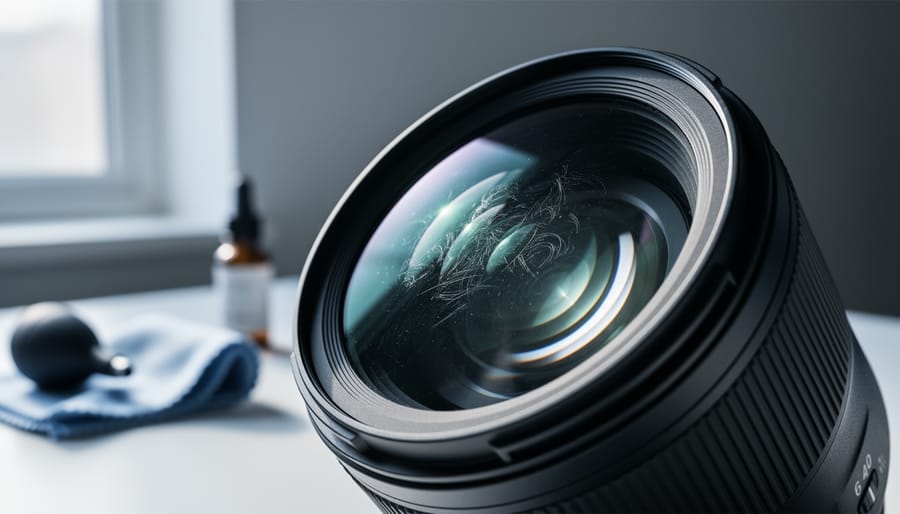
You’ve just cleaned your camera lens, held it up to the light, and there they are—stubborn streaks, mysterious smudges, and swirl marks that weren’t there before. That sinking feeling is all too familiar to photographers who’ve unknowingly made their optical glass worse instead of better.
Lens cleaning marks are the visible residue, streaks, or patterns left behind after attempting to clean your lens elements. They stem from improper cleaning materials, contaminated cloths, incorrect techniques, or using products that leave behind oils and particles. These marks can degrade image quality by creating flare, …
The Codecs That Actually Matter for Your Photography Workflow
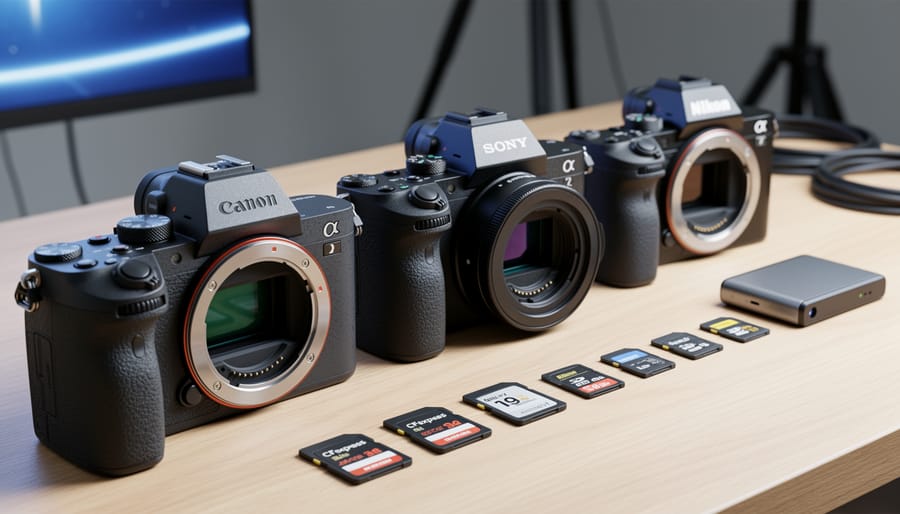
Check your camera’s manual or file properties to identify which codec your camera uses—you’re likely already working with CR3 (Canon), ARW (Sony), or NEF (Nikon) for still images without realizing these are proprietary RAW codecs. Open your video files in a media player like VLC and check the codec information under “Tools > Media Information” to discover whether you’re shooting in H.264, H.265, or a professional format like ProRes or DNxHD. Download sample files in different codecs from camera manufacturer websites to compare file sizes, editing performance, and quality degradation before committing to a…