By
By 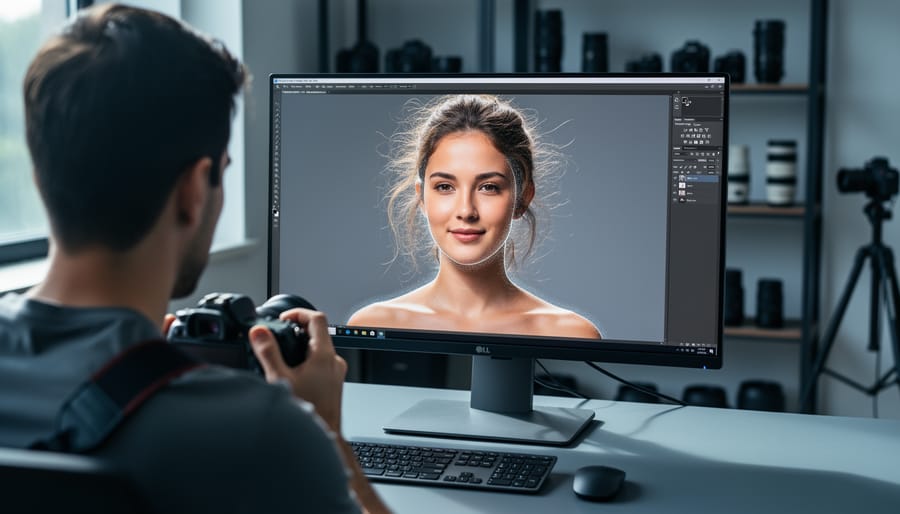
Picture this: You’ve just returned from a spectacular sunset shoot with hundreds of raw images waiting on your memory card. Five years ago, you’d face hours of tedious adjustments—correcting exposure, removing distractions, and fine-tuning colors frame by frame. Today, artificial intelligence handles these tasks in seconds, often with results that rival or exceed manual editing.
AI-assisted photo editing represents the most significant shift in post-processing since Adobe introduced layers in Photoshop. These tools use machine learning algorithms trained on millions of images to intelligently recognize subjects, understand context, and apply sophisticated adjustments automatically. From removing unwanted objects with content-aware precision to selecting complex subjects like wispy hair against busy backgrounds, AI transforms tasks that once required expert-level mastery into simple, one-click operations.
The technology isn’t about replacing your creative vision—it’s about reclaiming your time. Professional wedding photographers now cull and color-correct entire galleries during their commute home. Landscape photographers remove tourists from iconic locations without clone stamp tedium. Portrait shooters perfect skin tones across diverse lighting conditions in minutes rather than hours. These aren’t futuristic promises; they’re current realities reshaping workflows across the industry, building on broader AI-Assisted Photography Techniques that are transforming how we capture and process images.
But does this technology deliver on its promises? Which tools actually work, and when should you stick with traditional methods? Let’s cut through the hype and examine what AI editing can genuinely accomplish for your photography.
What AI-Assisted Photo Editing Actually Means
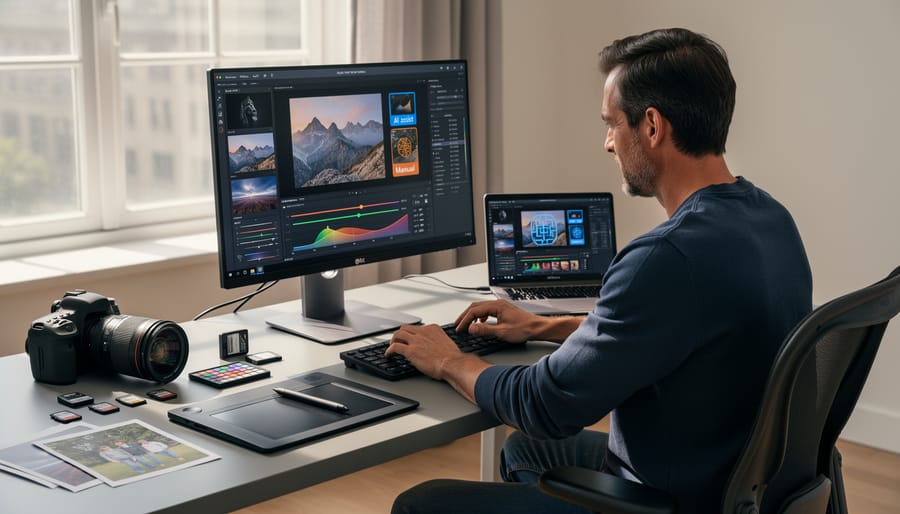
At its core, AI-assisted photo editing uses machine learning algorithms to understand, interpret, and modify images in ways that go far beyond what traditional editing tools can accomplish. Think of it this way: when you use conventional editing software, you’re directly manipulating specific parameters like exposure sliders or sharpening tools. With AI assistance, you’re working with a system that has been trained on millions of images to recognize patterns, understand context, and make intelligent decisions about how to enhance your photos.
Here’s what actually happens behind the scenes. AI editing tools use neural networks that have analyzed countless photographs to learn what makes an image visually appealing. When you upload a photo, the AI doesn’t just see pixels—it identifies subjects, recognizes faces, understands depth, and even interprets the mood or intention of your shot. For example, when you apply an AI-powered sky replacement, the system isn’t simply pasting a new sky over your image. It’s analyzing the lighting conditions, adjusting the foreground to match the new sky’s illumination, and blending edges with an understanding of how atmospheric perspective works in real-world photography.
This differs fundamentally from automated filters, which apply the same preset adjustments to every image regardless of content. An Instagram filter might boost saturation and add a vignette universally. AI editing, however, adapts its processing based on what it sees in your specific image. When you ask an AI tool to enhance a portrait, it recognizes skin tones and treats them differently than the background foliage. It understands that sharpening should be applied differently to eyes versus smooth skin.
The machine learning component means these tools continuously improve. They’re trained on diverse datasets that include professional photographs, teaching them to recognize quality and apply edits that align with established photographic principles. When you click “enhance,” you’re essentially accessing the collective knowledge of thousands of well-edited images, translated into adjustments tailored to your specific photograph.
The Game-Changing AI Editing Tools You Can Use Today
AI-Powered Selection and Masking
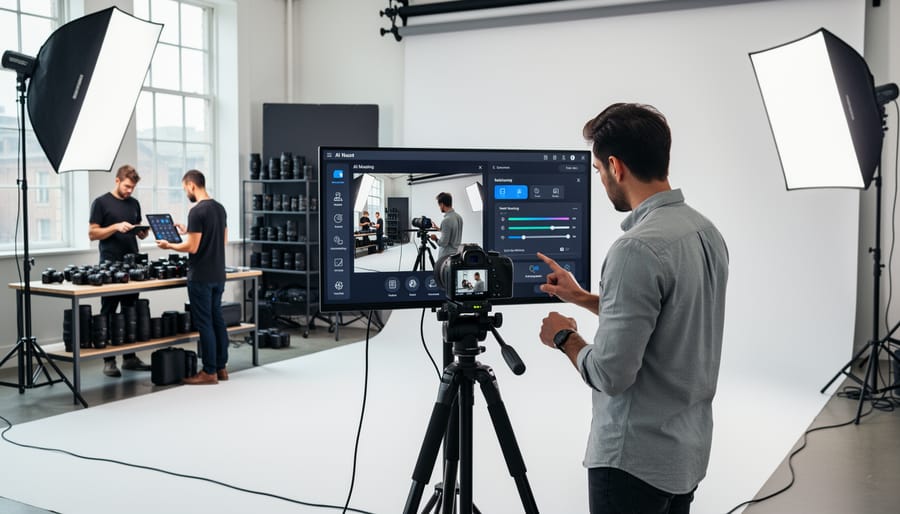
One of the most transformative applications of AI in photo editing is automated selection and masking. Gone are the days of painstakingly tracing around subjects with the pen tool for hours. Modern AI can analyze your image and identify distinct elements in seconds.
Adobe Photoshop’s Select Subject feature exemplifies this brilliantly. Simply click the button, and the AI recognizes your main subject, whether it’s a person, animal, or product, creating a precise selection even around tricky areas like hair and fur. I’ve watched photographers reduce what used to be a 20-minute masking job to about 30 seconds.
Luminar AI takes this further with sky-specific recognition. The software automatically detects sky boundaries, even through tree branches or complex architecture, letting you replace or enhance skies without tedious manual work. This becomes incredibly practical when you’ve captured a stunning composition but the sky was disappointingly flat.
The real-world impact? A wedding photographer can now isolate the couple from a busy background in moments rather than spending post-production time on selections. Product photographers can extract items from their shooting environment almost instantly. While these tools aren’t always perfect, requiring occasional refinement, they handle roughly 90 percent of the work automatically, fundamentally changing how efficiently we can edit.
Intelligent Retouching and Restoration
Modern AI enhancement tools have transformed how we handle retouching and restoration tasks that once required painstaking manual work. Skin retouching algorithms can now analyze facial features and automatically smooth complexions while preserving natural texture—something that would take experienced retouchers 20-30 minutes per portrait. These tools excel at evening out skin tones and reducing minor blemishes without creating that overdone, plastic appearance we’ve all seen in amateur edits.
Object removal has become remarkably sophisticated. AI-powered content-aware fill can eliminate tourists from landscape shots or remove power lines from architectural photos by intelligently reconstructing what should be behind those unwanted elements. Where this technology truly shines is with simple backgrounds—clean skies, water, or uniform textures. However, complex scenes with intricate patterns or multiple overlapping objects still benefit from manual refinement to avoid telltale blurring or mismatched textures.
Photo restoration capabilities are perhaps the most impressive application. AI can colorize black-and-white images, remove scratches and tears from damaged prints, and even reconstruct missing portions of old photographs by analyzing surrounding context. While results with moderately damaged photos are often stunning, severely degraded images with significant data loss still require an experienced human eye to guide realistic reconstruction and ensure historical accuracy.
Smart Enhancement and Color Grading
Modern AI tools can analyze your entire image in seconds and suggest intelligent adjustments that would take experienced editors considerable time to perfect manually. These smart enhancement systems evaluate exposure levels, color balance, contrast, and even the emotional mood you might want to convey, then apply coordinated adjustments across multiple parameters simultaneously.
Programs like Adobe Lightroom’s AI-powered Auto settings and Luminar Neo’s Enhance AI examine thousands of similar images in their training data to understand what makes a compelling photograph. For example, when processing a sunset landscape, the AI recognizes the scene type and automatically enhances warm tones, recovers shadow detail in foreground elements, and balances the bright sky without creating unnatural halos.
Adaptive filters take this further by applying location-specific adjustments. Rather than boosting saturation uniformly across your image, AI identifies the sky, foliage, and skin tones separately, applying appropriate enhancements to each area.
Style transfer represents perhaps the most creative application, allowing you to transform your photos to match the aesthetic of famous photographers or film stocks. The AI learns the color science, tonal curves, and characteristics of a particular style, then intelligently applies those qualities while preserving your image’s unique content.
When AI Editing Saves Hours (Real Scenarios)
Sarah’s heart sank when she saw the upload confirmation: 847 wedding photos from a full-day shoot. Even culling down to 400 keepers meant hours of editing ahead. But with her new AI-powered workflow, she’d have them ready by morning instead of spending her entire weekend hunched over Lightroom.
Let’s look at how AI editing transforms real photographic challenges into manageable tasks.
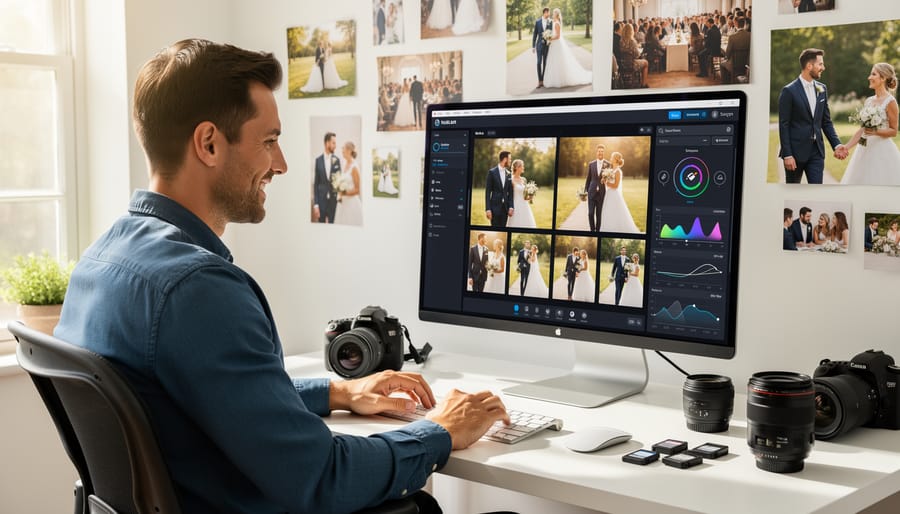
Wedding photographers face the most extreme time pressure. Before AI tools, Sarah spent 12-15 hours editing a typical wedding. Her workflow included manually adjusting exposure on 400 photos, correcting skin tones across varying lighting conditions, and ensuring consistency throughout the day. Now, she applies an AI-trained profile that recognizes her editing style, automatically adjusts white balance based on scene detection, and handles initial retouching. The same wedding? Done in 4 hours. That’s 8-11 hours saved per wedding, which for Sarah means taking on more clients or actually having weekends again.
Product photographers deal with different pressures. Marcus shoots 200 product images daily for e-commerce clients who demand perfect consistency. His old process involved creating custom presets and manually fine-tuning each shot because lighting varied slightly between captures. AI background removal now handles edge detection with precision that once required tedious masking work, shaving 2 minutes per image. Sky replacement and color matching happen automatically. What used to take 10 hours now takes 3, and the consistency is actually better because AI doesn’t get fatigued or distracted.
Real estate photography presents unique technical challenges. Jennifer shoots 5-7 properties weekly, each requiring HDR merging of bracketed exposures. Previously, she manually aligned and merged three exposures per room, then corrected perspective distortion and enhanced details. Per property, this consumed 3-4 hours. AI now handles HDR merging automatically, detecting optimal tones while preserving natural lighting. Perspective correction happens instantly. Her processing time dropped to 45 minutes per property.
Portrait retouching at scale becomes viable with AI assistance. Studio photographer David photographs 30-40 headshots during corporate events. Manual retouching meant spending 15 minutes per portrait addressing skin texture, eye enhancement, and color grading. AI portrait tools now handle initial retouching in seconds, learning from his corrections to improve accuracy. He still reviews each image, but his involvement dropped from 15 minutes to 3 minutes per portrait, transforming an impossible same-day delivery into standard service.
The Creative Control Question: What You Keep, What You Lose
Here’s the uncomfortable truth about AI-assisted editing: yes, you’re trading some control for speed. The question isn’t whether this trade-off exists, but whether it matters for your specific needs.
Let’s address the elephant in the room first. Can AI make all photos look samey? Absolutely, if you let it. When you accept every AI suggestion without question, you’re essentially handing your creative vision to an algorithm trained on millions of images. That algorithm has learned what “good” looks like based on popular aesthetics, which means it gravitates toward certain looks. Think of those overly HDR landscapes or portraits with impossibly smooth skin that all blend together on social media.
But here’s what changed my perspective: AI suggestions are starting points, not mandates. When I’m editing a moody, film-noir inspired portrait, I’ll use AI to handle the tedious masking and initial adjustments, then immediately dial back its enthusiasm for brightening shadows. The AI saves me fifteen minutes of selection work, but I’m still steering the creative ship.
The key is understanding what you’re willing to delegate. For a wedding shoot with 800 images, I’ll let AI handle color correction and basic exposure across similar shots, then manually fine-tune the hero images. For a passion project portfolio piece, I might use AI only for time-consuming tasks like sky replacement or object removal, while handling all color grading myself.
Different project types demand different approaches. Client work with tight deadlines? Lean heavier on AI assistance. Personal artistic projects? Use AI as a technical assistant, not a creative director. Commercial work requiring brand-specific looks? Train custom AI presets that match your established style, then tweak as needed.
The photographers I know who maintain distinctive styles while using AI share a common habit: they override at least 30 percent of what the AI suggests. They’ll accept the mask, reject the color adjustment. They’ll use the AI-generated sky but manually adjust its blending. This selective collaboration is where the magic happens.
Think of AI like a highly capable assistant who’s great at technical execution but doesn’t quite understand your artistic vision. You wouldn’t let an assistant make final creative decisions, but you’d absolutely let them handle the grunt work. The photographers struggling with AI are those treating it as either a magic button or refusing to use it at all. The sweet spot lives in between.
How to Actually Use AI Editing Without Looking Artificial
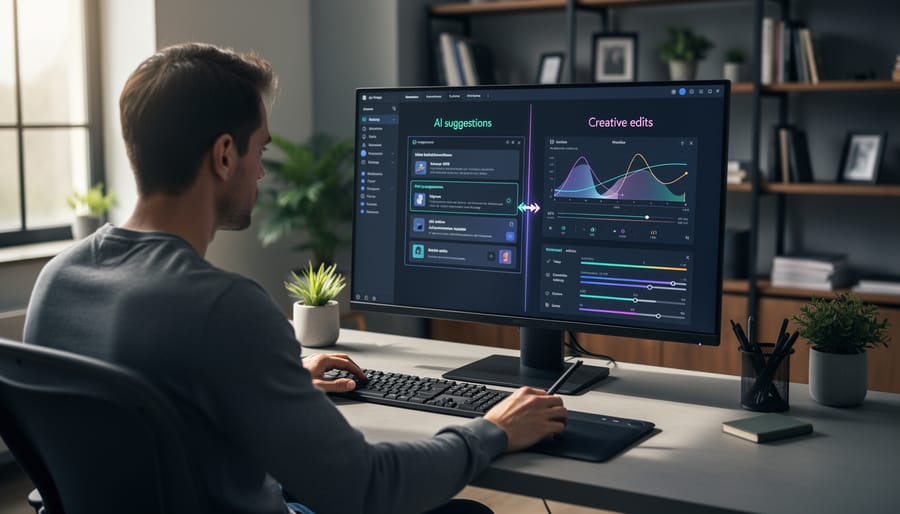
Start Conservative, Then Push Further
When you’re starting out with AI editing tools, resist the temptation to crank everything to maximum right away. Think of AI intensity controls like seasoning in cooking—you can always add more, but you can’t easily take it away once you’ve overdone it.
Begin with your AI sliders set between 30-50% strength. This conservative starting point lets you evaluate the changes without overwhelming your original image. For example, if you’re using an AI sky replacement feature, starting at 40% allows you to see how naturally it blends while maintaining some of your original atmosphere. You’ll often find that subtle applications look more professional than dramatic ones.
After applying your initial settings, step away from your screen for a few minutes. When you return with fresh eyes, you’ll better judge whether the effect enhances or overpowers your image. This is particularly important with AI skin smoothing or detail enhancement, where the line between polished and artificial can be razor-thin.
As you gain experience with specific tools, you’ll develop an intuition for which effects benefit from restraint and which can handle more aggressive application. Document your successful settings for different scenarios—perhaps portrait retouching works best at 35%, while landscape detail enhancement shines at 65%. This personal reference library becomes invaluable for maintaining consistency across your work.
Layer AI with Manual Adjustments
Think of AI as your skilled assistant who does the heavy lifting, while you come in as the artistic director to add the finishing touches. The most effective workflow starts with AI handling the foundational adjustments—exposure correction, basic color grading, and noise reduction. These are time-consuming tasks that AI handles consistently well, giving you a solid baseline to work from.
Once AI completes its pass, that’s when your creative vision takes center stage. Manual adjustments shine in areas requiring nuance and artistic judgment. Fine-tune local adjustments using dodge and burn to direct viewer attention. Refine skin tones that AI might have smoothed too aggressively, preserving natural texture. Adjust selective color grades to match your specific mood or brand aesthetic.
For example, let a portrait run through AI for initial skin smoothing and exposure balance, then manually enhance catchlights in the eyes and subtly adjust the background separation—details that require your trained eye. In landscapes, use AI for dynamic range recovery and noise reduction, then manually adjust the relationship between foreground and sky tones to create depth.
This hybrid approach typically cuts editing time by 60-70% while maintaining full creative control. The key is knowing when to trust the algorithm and when your expertise makes the difference.
Know When to Ignore the Algorithm
AI algorithms are powerful, but they’re not infallible. Learning to recognize when to override their suggestions is essential for maintaining your creative vision.
Watch for these red flags: AI oversaturation is common, where sky replacements look unnaturally vivid or skin smoothing removes important texture and character. If an edit makes you pause and think “that’s too much,” trust that instinct. Another warning sign is when AI removes elements you intentionally included, like atmospheric haze that adds mood or grain that contributes to your aesthetic.
Consider a portrait where AI automatically whitens teeth to an unrealistic degree or smooths wrinkles that tell your subject’s story. These “improvements” might follow conventional beauty standards, but they could strip away authenticity. Similarly, AI might brighten shadows you deliberately kept dark for dramatic effect, not understanding your artistic intent.
The key is developing what I call “algorithmic skepticism.” Before accepting any AI suggestion, ask yourself: Does this enhance my original vision or replace it? Real-world example: when editing architectural photography, AI often corrects perspective distortion that you might have used creatively to emphasize height or scale.
Remember, you’re the photographer. AI is your assistant, not your art director. If something feels wrong, manual adjustment always trumps algorithmic convenience.
What Professional Photographers Actually Think
The photography community’s response to AI editing tools has been refreshingly nuanced, with perspectives varying widely based on specialty and workflow needs.
Wedding photographer Maria Chen represents the enthusiastic adopter camp. “AI has been a legitimate game-changer for my business,” she explains. “I shoot 60-70 weddings annually, and culling through 3,000+ images per event was eating my life. Now AI handles initial selections and basic adjustments, cutting my editing time by about 40%. That’s two extra days per wedding I can spend with my family or shooting new clients.” For Maria, the value proposition is clear: AI handles the tedious groundwork while she focuses on artistic decisions and client relationships.
Commercial photographer James Park takes a more measured stance. “I use AI selectively—mostly for routine product shots where consistency matters more than artistic interpretation. But for hero images and creative campaigns? I’m hands-on every step.” His clients haven’t pushed back on his hybrid approach. “They care about results and turnaround time. Whether I used AI for the background removal doesn’t matter as long as the final image serves their brand perfectly.”
Portrait photographer Sandra Williams voices concerns shared by many professionals. “There’s this assumption that because AI can make quick adjustments, we should be charging less or delivering faster. But editing was never the bottleneck—creative vision was. AI doesn’t replace the decade of experience that tells me exactly how to light a subject or capture genuine emotion.” She uses AI sparingly, primarily for skin retouching baseline work, but worries about market commoditization.
Current adoption data suggests about 65% of professional photographers use at least one AI-powered tool regularly, though implementation varies dramatically. The common thread among successful adopters? They view AI as an assistant, not a replacement—something that handles repetitive tasks while preserving their creative authority and unique artistic voice.
Getting Started: Your First Steps with AI Editing
The best way to start with AI editing is by matching tools to your immediate needs rather than trying to master everything at once. If you’re primarily a portrait photographer, begin with tools that excel at skin retouning and facial enhancements. Landscape photographers should focus on AI photography software that handles sky replacements and exposure blending. This targeted approach keeps the learning curve manageable and delivers results you can actually use.
For beginners just dipping their toes into editing, start with one-click AI presets available in mobile apps like Lightroom Mobile or Snapseed. These give you instant results that you can then tweak manually, helping you understand what good editing actually looks like. Pay attention to what the AI changes in your images. This observation builds your editing intuition faster than any tutorial could.
Experienced editors should approach AI tools differently. Rather than letting AI handle everything, use it for time-consuming tasks like object removal, noise reduction, or initial color grading. Then refine those results with your manual adjustments. Think of AI as your assistant, not your replacement. Test different tools on the same image to see which produces results closest to your vision with the least manual correction needed.
When evaluating results, zoom to 100 percent and check areas where AI typically struggles: edges around subjects, skin texture preservation, and color transitions in skies. An edit that looks perfect at thumbnail size might show problematic artifacts when viewed closely. Also consider how the AI-edited image looks alongside your other work. Consistency matters more than perfection in individual shots.
Set realistic expectations from the start. AI excels at repetitive technical tasks and can dramatically speed up your workflow, but it won’t magically transform mediocre compositions into masterpieces. The best results come from combining well-captured images with thoughtful AI assistance.
Start with free trials before committing to subscriptions. Most platforms offer 7 to 14-day trial periods, giving you enough time to process a variety of your typical images. Keep notes about what works well and what frustrates you. Your real-world experience matters more than any marketing claim or online review.
AI-assisted photo editing isn’t about replacing your skills as a photographer—it’s about amplifying them. Think of these tools as sophisticated assistants that handle the tedious work, freeing you to focus on the creative decisions that make your images truly yours. The best photographers using AI today aren’t letting algorithms dictate their vision; they’re leveraging technology to execute that vision more efficiently and explore possibilities they might not have considered otherwise.
Now is genuinely an exciting time to start experimenting with these tools. The technology has matured beyond the gimmicky filters of early AI editing, offering practical solutions that actually improve workflow without compromising quality. Whether you’re a professional managing hundreds of client photos or a hobbyist refining weekend shots, there’s likely an AI feature that can save you hours while maintaining your artistic integrity.
As these tools continue evolving—with smarter object recognition, more nuanced style transfer, and better integration across platforms—early adopters will have a distinct advantage. Start small, perhaps with automated culling or basic adjustments, and gradually incorporate more advanced features as you discover what serves your creative process. The key is maintaining control: use AI as your collaborator, not your replacement, and always let your unique perspective guide the final result.


 By
By