 By
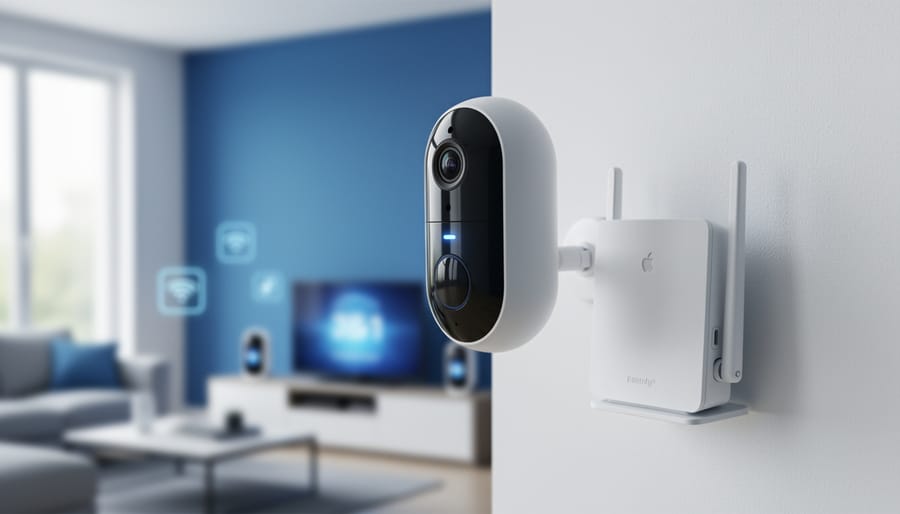
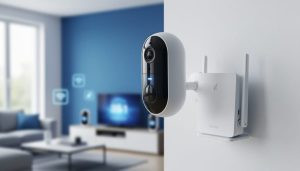
By Connecting your WiFi smart camera takes about 10 to 15 minutes and follows a consistent pattern across most brands: download the manufacturer’s app, power on the camera, connect your phone to the camera’s temporary WiFi network, then configure your home network credentials through the app. Once authenticated, the camera joins your regular WiFi and becomes accessible for monitoring, recording, or integration with broader smart home systems.
The process sounds straightforward, and usually it is. But photographers looking to repurpose these devices for studio monitoring, time-lapse projects, or equipment surveillance …