 By
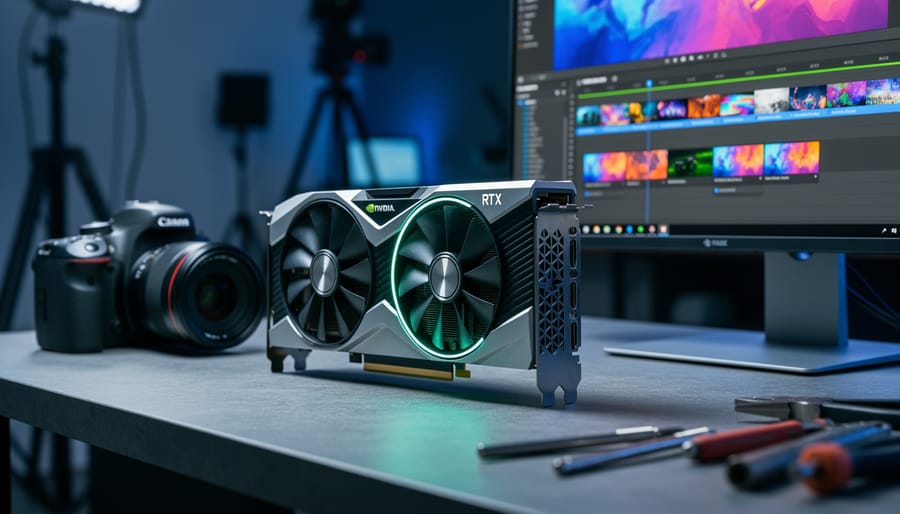
NVIDIA’s GPU landscape shifted dramatically at COMPUTEX 2026, where the company and its partners unveiled the GeForce RTX 50 Series graphics cards now shipping in volume, alongside professional-grade RTX PRO 6000 Blackwell workstation GPUs designed specifically for content creation workflows. If you’re a photographer or video editor evaluating hardware upgrades, the news delivers concrete options: consumer flagships like the RTX 5090 with 32GB GDDR7 memory and 1.79 TB/s bandwidth, professional workstations boasting 96GB GDDR7 ECC and 24,064 CUDA cores, and DLSS 4.5 Ray Reconstruction arriving this August to accelerate AI-powered editing tasks.
The announcements matter because they address a practical bottleneck: processing RAW photo batches, rendering 4K video timelines, and running AI denoising tools all demand faster memory bandwidth and tensor core performance. The RTX 5090’s 575W power envelope and the PRO 6000’s 600W rating signal meaningful generational leaps, though real-world performance will depend on your specific software stack. Over 1,000 RTX-enabled games and applications are now compatible with the technology, expanding the ecosystem beyond gaming into creative tools photographers already use daily.
What separates this cycle from previous launches is the Blackwell architecture’s emphasis on professional workloads. The 96GB framebuffer on the RTX PRO 6000 targets users juggling massive panoramic stitches or multi-layer composites that choke on smaller VRAM pools. For hobbyists and enthusiasts, the question becomes whether consumer RTX 50 cards deliver enough headroom for Lightroom Classic, Photoshop, and DaVinci Resolve without stepping up to workstation pricing.
What Changed: NVIDIA’s COMPUTEX 2026 Announcements
NVIDIA used COMPUTEX 2026 in Taipei as the stage for a wave of GPU announcements that matter to anyone running photo editing, video grading, or AI-assisted imaging workflows. The June event brought three major developments: consumer GeForce RTX 50 Series Blackwell cards now shipping from partners, a new RTX PRO 6000 Blackwell workstation GPU with 96GB ECC memory, and DLSS 4.5 Ray Reconstruction arriving this August. While the tech industry continues to navigate patent battles around GPU acceleration and AI features, NVIDIA is pushing forward with Blackwell architecture across its entire lineup, datacenter, workstation, and consumer lines all built on the same foundation. Over a thousand RTX-accelerated applications now support these cards, and partners including Acer, ASUS, GIGABYTE, MSI, PNY, and ZOTAC have already released pre-built systems and standalone cards. For photographers evaluating GPU upgrades, the timeline is clear: Blackwell hardware is here, new software features land in August, and the question shifts from “what’s coming” to “which configuration fits my workflow.”
1. GeForce RTX 50 Series Blackwell GPUs Now Shipping
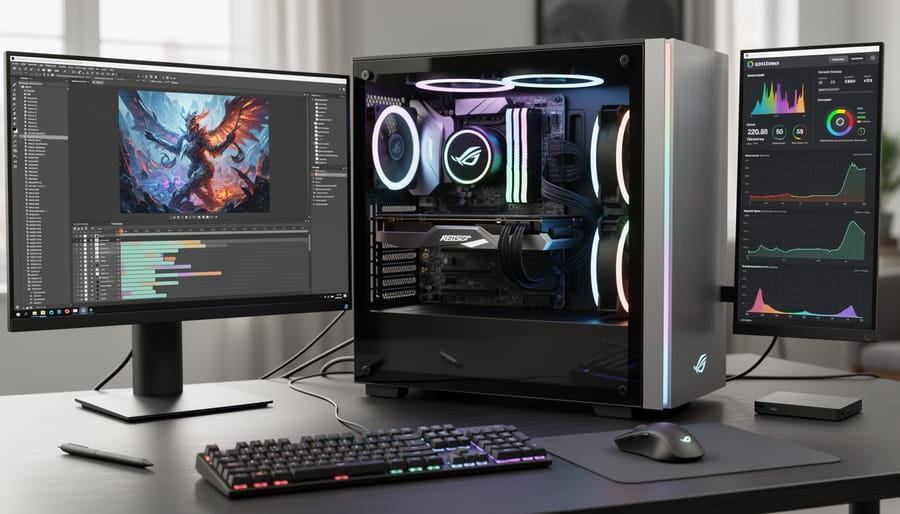
As of COMPUTEX 2026, NVIDIA’s GeForce RTX 50 Series Blackwell GPUs are shipping through major partners. Acer, ASUS, GIGABYTE, MSI, PNY, and ZOTAC have all released new graphics cards, and hundreds of GeForce products are now available in the RTX 50 Series lineup. If you’ve been waiting to upgrade your photography workstation, this is the first time Blackwell architecture has reached consumer graphics cards in volume.
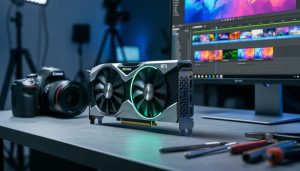
The flagship RTX 5090 leads the pack with specs that matter for imaging work. This card packs 32GB of GDDR7 memory, 1.79 TB/s memory bandwidth, and a 575W power envelope. Those numbers translate directly to real-world performance gains in GPU-accelerated editing software like Adobe Photoshop, Lightroom, DxO PhotoLab, and Capture One, plus AI-driven tools such as Topaz Photo AI and ON1 NoNoise AI.
- 32GB GDDR7 memory handles high-resolution RAW files, panoramic stitching, and multi-layer composites without running out of VRAM
- 1.79 TB/s bandwidth speeds up AI masking, denoise processing, and real-time filter previews in imaging applications
- Blackwell Tensor cores accelerate neural network operations used in content-aware fill, super-resolution upscaling, and AI object selection
- 575W power rating requires a robust PSU but delivers headroom for sustained batch export and rendering tasks
Blackwell architecture brings efficiency improvements over the previous generation, which means faster processing per watt. For photographers who run long denoise batches, export hundreds of edited images, or work with AI-powered retouching tools, the Tensor core upgrades in Blackwell make a tangible difference. These cores handle the matrix math that powers diffusion models, transformer-based masking, and neural denoise algorithms.
The 32GB frame buffer is particularly useful if you work with stitched panoramas, focus-stacked macro shots, or composites that involve dozens of high-resolution layers. Previous-generation cards with 16GB or 24GB could bottleneck on VRAM when processing 150-megapixel stitched files or applying GPU-accelerated effects to 8K video timelines. The RTX 5090 removes that constraint for most photography workflows short of gigapixel scanning work.
2. RTX PRO 6000 Blackwell Workstation GPU for Professional Workflows
The RTX PRO 6000 Blackwell workstation GPU represents NVIDIA’s current flagship for professional imaging work, shipping now with specs designed specifically for demanding studio environments. With 96GB of GDDR7 ECC memory, 1.79 TB/s bandwidth, 24,064 CUDA cores, 752 Tensor cores, and a 600W power envelope, this card targets photographers and video editors who routinely hit memory ceilings on consumer hardware.
That 96GB capacity matters when you’re working with 100-megapixel medium format RAW files in layered composites, running multiple AI denoise passes across a wedding shoot, or scrubbing through 8K footage with real-time grade adjustments. ECC (error-correcting code) memory adds data integrity crucial for long rendering sessions and batch operations where a single flipped bit can corrupt hours of work. Professional studios processing client deliverables can’t afford silent errors, and ECC provides that assurance.
The bandwidth and core count translate to faster layer rendering in Photoshop, quicker AI masking in Lightroom, and smoother viewport performance when working with high-resolution video timelines. Those 752 Tensor cores accelerate AI-driven tools like content-aware fill, subject selection, and neural filters that have become standard in modern imaging workflows. When you’re applying AI denoise to 500 RAW files or running style transfer across a video sequence, Tensor cores cut processing time substantially.
For video professionals working with codecs for your workflow the combination of massive VRAM and GPU-accelerated decode means you can edit ProRes RAW, RED, and cinema-grade formats without proxy workflows. Real-time playback of multiple 4K streams with effects applied becomes practical rather than aspirational.
The 600W power requirement means you’ll need a robust PSU and adequate cooling, but workstation users expect that tradeoff for professional-grade performance. This isn’t a card for hobbyists upgrading a home editing rig; it’s purpose-built for production environments where time saved on rendering and processing directly impacts project budgets and client turnaround.
3. DLSS 4.5 Ray Reconstruction Arriving This August
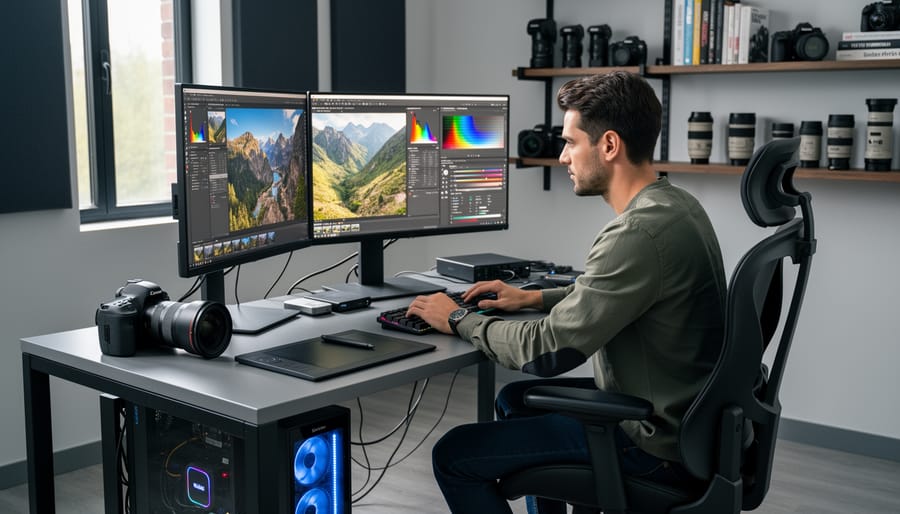
DLSS 4.5 Ray Reconstruction lands in August 2026, bringing NVIDIA’s latest AI-driven image quality tech to RTX GPUs. If you’ve used denoise AI in Lightroom or Topaz, the concept translates: ray reconstruction applies machine learning to improve image clarity and detail, but it works on 3D-rendered scenes rather than photographs. The GPU analyzes light paths (rays) in real time, then reconstructs a cleaner, sharper image without the noise typical of undersampled renders.
For photographers working in 3D visualization, product renders, architectural previews, or CGI composites, this means faster, cleaner viewport feedback. Instead of waiting minutes for a noise-free preview, you get usable quality in seconds. That speeds up lighting decisions, camera angle tweaks, and material adjustments. Think of it as GPU-accelerated denoise for your 3D workspace, much like how lighting industry updates have pushed studio strobes toward faster recycling and more granular power control, both let you iterate without waiting.
Ray reconstruction doesn’t directly process RAW files or JPEGs, but if you use Blender, Cinema 4D, or GPU rendering engines like Octane or Redshift, it improves real-time preview quality and can reduce final render times by letting the engine use fewer samples per pixel. The Tensor cores on RTX 50 Series and RTX PRO 6000 Blackwell cards handle the AI inference, so the feature scales with your GPU’s AI horsepower. August marks general availability across supported apps, giving 3D-capable photographers another reason to consider a Blackwell upgrade if viewport lag slows their workflow.
Why This Matters for Imaging Professionals

These announcements matter because they directly address bottlenecks photographers and video editors hit every day. When you’re working with 100-megapixel medium format files or 8K video timelines, VRAM is your working space. The RTX PRO 6000’s 96GB means you can keep multiple full-resolution layers active in Photoshop without the constant swap-to-disk slowdown that kills momentum during retouching sessions. For consumer enthusiasts, even the RTX 5090’s 32GB is a substantial jump that lets you handle large panorama stitches or apply GPU-accelerated denoise across entire shoots without running out of headroom.
Bandwidth improvements translate to faster preview rendering. When you scrub through a timeline in DaVinci Resolve or adjust curves on a batch of RAW files, the 1.79 TB/s throughput means less waiting for the screen to catch up with your mouse. That responsiveness changes how you work, particularly during client review sessions where lag undermines confidence.
Tensor cores power the AI tools that have become standard in modern imaging workflows. AI masking in Lightroom, subject selection in Photoshop, and denoise algorithms in Capture One all rely on tensor operations. More cores mean these operations complete faster and can handle more complex selections simultaneously. If you’re batch-processing wedding shoots or commercial catalog work, the time savings compound quickly.
The shift to Blackwell across NVIDIA’s entire lineup also means studios evaluating upgrades face different considerations than they did six months ago, especially given recent gear availability changes affecting workstation builds. Professional users need ECC memory for mission-critical work, but enthusiasts can now access serious GPU horsepower without stepping up to workstation pricing.
What to Watch: GPU Trends for Photographers in 2026
The COMPUTEX 2026 announcements mark a clear pivot point: Blackwell architecture is now the foundation across NVIDIA’s entire lineup, from datacenter Ultra down to consumer cards. For photographers evaluating workstation upgrades, this shift means a wider choice of Blackwell-based systems hitting the market through partners like Acer, ASUS, GIGABYTE, MSI, PNY, and ZOTAC. You’ll see pre-built desktops and laptops built around these GPUs over the coming months, so you’re not locked into a single vendor or form factor.
When comparing systems, focus on specs that directly impact your editing workflows. VRAM capacity matters more than raw core count if you work with high-resolution RAW files, large composites, or AI-driven tools in Photoshop and Lightroom. The RTX PRO 6000 Blackwell’s 96GB GDDR7 ECC and the consumer RTX 5090’s 32GB GDDR7 serve very different use cases, the former is built for stability and massive file handling in professional studios, while the latter offers strong performance for enthusiasts and smaller teams who don’t need ECC memory. Bandwidth (1.79 TB/s on both) influences how quickly the GPU shuttles data during batch exports and real-time previews.
Do I need a workstation GPU or consumer GPU for photography?
Consumer RTX cards handle most photography workflows well, including Lightroom, Photoshop, and GPU-accelerated plugins. Workstation GPUs like the RTX PRO 6000 offer ECC memory for mission-critical stability and larger VRAM pools for complex 3D rendering or high-resolution compositing, but cost significantly more.
How much VRAM do I need for high-resolution RAW editing?
For typical single-layer RAW editing in Lightroom or Capture One, 12-16GB handles most workflows smoothly. If you layer dozens of 100MP+ files in Photoshop, apply heavy AI filters, or work in 3D, 24GB or more prevents slowdowns.
Is RTX acceleration worth it for Lightroom and Photoshop users?
Yes, especially for AI-driven tools like denoise, masking, and neural filters, which lean heavily on Tensor cores. GPU acceleration also speeds up batch exports and real-time preview rendering in the Develop module.
Don’t chase the highest core count if your software doesn’t scale with it. Check whether your primary editing applications, Lightroom Classic, Capture One, DaVinci Resolve, or others, list RTX optimizations and which GPU features they leverage. DLSS 4.5 Ray Reconstruction arriving in August adds another data point for those using 3D rendering or game-engine-based visualization, but it’s less relevant to traditional photo editing. For most photographers, the takeaway is simple: Blackwell GPUs are here, partners are shipping hundreds of configurations, and the next few months will clarify real-world performance across different workloads as users test these cards in production environments.
NVIDIA’s COMPUTEX 2026 announcements mark a significant moment for imaging professionals. The RTX 50 Series brings Blackwell architecture to consumer workstations, while the RTX PRO 6000 delivers datacenter-grade memory and bandwidth for demanding studio workflows. With DLSS 4.5 Ray Reconstruction arriving in August and hundreds of partner systems already shipping, the upgrade path is clearer than it’s been in years.
If you’re evaluating a GPU upgrade, start with your actual bottlenecks. RAW batch processing, AI masking speed, and real-time preview performance tell you more than specs alone. The RTX 50 Series serves enthusiasts and prosumer studios well, while the PRO 6000’s ECC memory and massive VRAM target professionals handling 100+ megapixel files or multi-layer composites. There’s no universal “right time” to upgrade, but knowing what your workflow demands makes the decision straightforward.





 By