 By
By 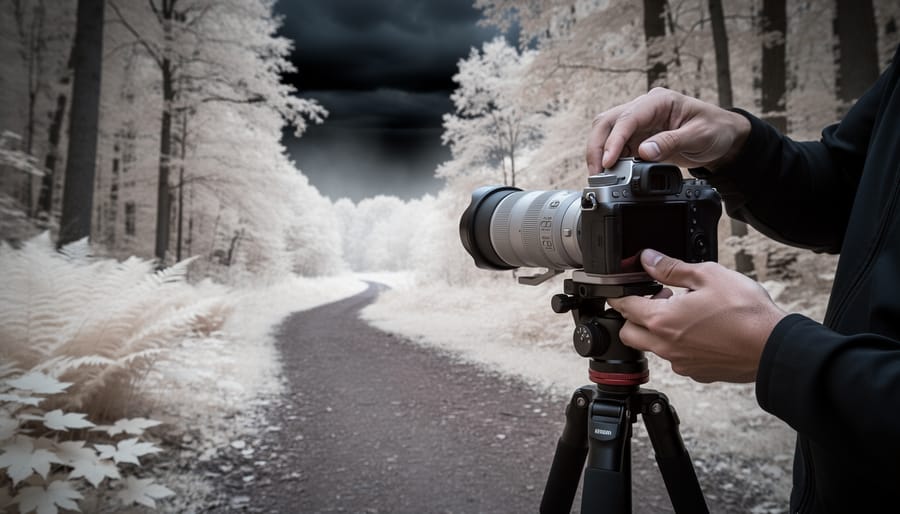
Infrared videography captures continuous motion footage by recording wavelengths beyond the visible spectrum, transforming everyday scenes into surreal, high-contrast dreamscapes where foliage glows white and skies turn dramatically dark. Unlike infrared still photography, where you can carefully compose a single frame and adjust for each shot, video demands consistent focus throughout a moving scene, stable exposure across varying light conditions, and significantly higher data processing loads that many cameras struggle to handle. The technical challenge is real: most modern cameras block infrared light by design, and the minority that allow IR capture often suffer from focus shift, unpredictable white balance during continuous recording, and thermal buildup that can halt shooting mid-take.
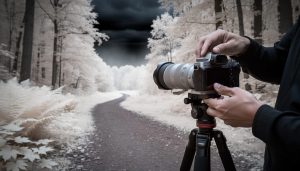
The payoff, though, makes the technical hurdles worthwhile. Imagine time-lapse clouds drifting through a jet-black sky, or a subject walking through a forest where every leaf radiates light. These aren’t effects you can convincingly fake in editing software.
Success depends on understanding which cameras handle long IR recording sessions without overheating, how to maintain sharp focus when infrared wavelengths focus differently than visible light, and what post-production workflows preserve the unique tonal qualities IR footage offers. This guide walks you through equipment selection, critical setup steps that prevent common failures, and shooting techniques refined through real-world testing, so you can move beyond experimental clips to polished infrared video projects.
What You’ll Need for Infrared Videography
Camera Modification vs. External Filters
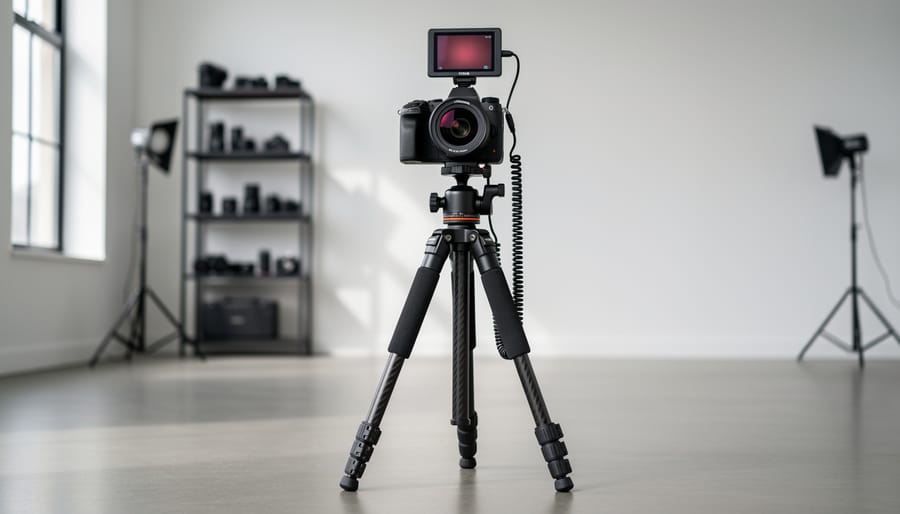
When you’re starting with infrared videography, you face a fundamental choice: permanently convert a camera body or screw an IR filter onto your existing gear.
Professionally converted cameras have their internal IR-blocking filter removed and replaced with the infrared wavelength of your choice. This costs between $300 and $500 for most DSLRs and mirrorless bodies in 2026, and you’ll need to sacrifice a camera body specifically for IR work. The payoff is substantial for video: you maintain normal exposure times, autofocus can work (though you’ll still need to account for focus shift), and you can shoot handheld footage without a tripod. Converted cameras also eliminate the stacked-glass issues that plague external filters, giving you sharper results.
External IR filters thread onto your lens like any other filter, typically running $80 to $200 depending on size and wavelength. They preserve your camera’s versatility since you can remove them for standard shooting. The critical drawback for video is exposure: these filters block so much visible light that you’ll need shutter speeds of several seconds even in bright sunlight. That makes smooth motion footage essentially impossible without conversion. You’re locked to a tripod, limited to static scenes or extremely slow movement, and autofocus becomes completely unreliable.
For serious IR videography, conversion is the practical path. External filters work if you’re testing the technique or shooting only time-lapses where long exposures don’t matter.
Choosing the Right IR Filter Wavelength
Different infrared filters block varying amounts of visible light, fundamentally changing what your video will look like. Understanding these wavelengths helps you choose the right filter for your creative vision.
590nm filters allow the most visible light through, creating footage with warm golden tones and subtle IR effects. Skies retain some blue while foliage shifts toward yellow-gold. This wavelength works well for cinematic projects where you want an ethereal look without going fully surreal. Use it for narrative films or music videos where you need skin tones that still look relatively natural.
665nm filters strike a middle ground, producing distinctly infrared footage while maintaining some color information. Vegetation appears lighter but not pure white, and skies take on pink or orange hues. This wavelength excels for experimental projects and artistic pieces where you want obvious IR characteristics but still want viewers to recognize the scene as grounded in reality.
720nm filters deliver the classic infrared look most people associate with IR photography. Foliage renders as bright white, skies turn dramatic and dark, and the overall effect is strongly surreal. This wavelength is ideal for landscape videography, showcasing the stark contrast between white trees and deep skies. It’s the most popular choice for pure infrared video work.
850nm filters create nearly monochrome footage that captures only infrared light. The result is essentially black and white video with extreme contrast and an otherworldly quality. Choose this for surveillance-style footage, night work with IR illumination, or highly abstract artistic pieces.
Important Limitations and Safety Considerations
Before you commit time and resources to an infrared video project, understand the significant technical challenges that make this technique far more demanding than standard videography. These aren’t minor inconveniences, they fundamentally change how you shoot and what you can realistically capture.
The most critical limitation centers on light transmission. If you’re using an external IR filter on an unconverted camera, your sensor receives only a tiny fraction of available light because the filter blocks most of the visible spectrum. This means you need exposure times measured in seconds, not fractions of a second. While you can set a still camera to ISO 3200 and expose for three seconds on a tripod, video doesn’t work that way.
This is why professional IR videographers invest in converted cameras. Even with a conversion, expect to shoot at higher ISOs (1600-3200) than you would for standard video, which introduces more noise into your footage.
Focus shift presents another frustrating hurdle. Infrared light focuses at a different point than visible light, and your camera’s autofocus system won’t work correctly. You’ll need to focus manually, but what looks sharp in your viewfinder won’t necessarily be sharp in the final IR footage. Some lenses include an infrared focus mark on the barrel, but most modern lenses don’t. Testing each lens beforehand isn’t optional.
Lens hotspots plague certain wide-angle lenses, creating a bright circular artifact in the center of your frame that shifts as you pan. These show up more prominently in video than in stills because movement makes them impossible to ignore. Research lens compatibility before you shoot, or you’ll waste an entire day’s work.
Extended video recording generates substantial sensor heat, particularly when you’re already pushing high ISOs. This thermal buildup increases noise and can trigger automatic shutdowns on some cameras. Keep recording sessions shorter and monitor your camera’s temperature.
Finally, direct sunlight is both your best friend and a potential enemy. You need bright conditions for adequate light, but pointing directly at the sun can damage your sensor more quickly with IR filters than with visible light. Frame carefully and never leave your camera aimed at the sun while idle.
Setting Up Your Camera for Infrared Video
Nailing Focus in Infrared
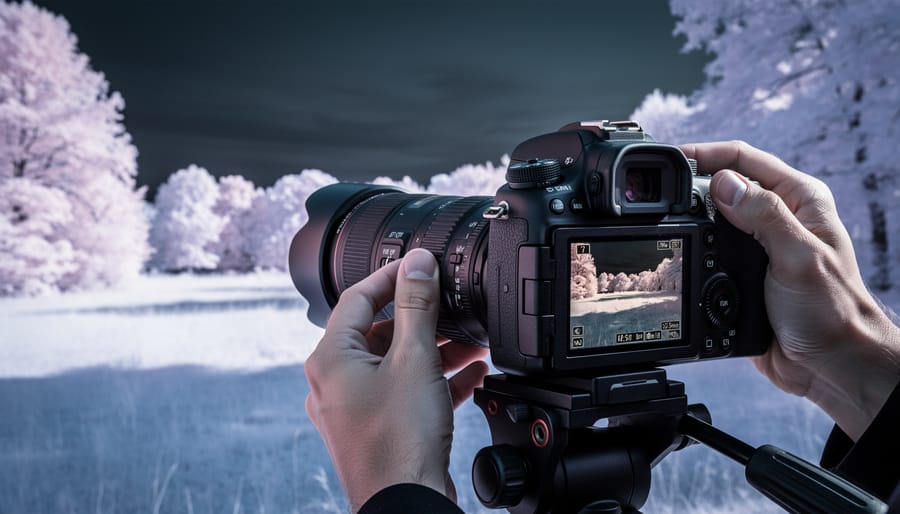
Focus shift is the single biggest technical hurdle in infrared videography. Infrared light refracts differently than visible light, so your lens focuses IR about 1-3mm behind where it focuses visible light. That means if you focus normally through your viewfinder, your IR footage will be soft.
Live view becomes your best friend here. Because it shows you the actual sensor image, already filtered through your IR filter, what you see is what you’ll record. Zoom in to 10× magnification on a high-contrast edge in your frame, then manually focus until it’s razor-sharp. This approach bypasses the visible-light focus shift problem entirely.
If your camera offers focus peaking, turn it on. Those colored highlights over in-focus areas make critical focus much faster to nail, especially when you’re working with foliage or clouds that lack hard edges.
Once you’ve nailed focus, mark your lens barrel with a grease pencil or tape. Infrared’s focus point shifts consistently for a given focal length, so that mark becomes your IR reference. Next time you shoot that lens at f/8, you’ll know exactly where to set it without hunting through live view again.
Stopping down to f/8 or f/11 helps too. The extra depth of field forgives minor focus errors, which matters more in video than stills since you can’t reshoot a moving scene. These camera settings complement your manual focus technique rather than replacing it.
White Balance for Infrared Color Grading
Setting your camera’s white balance to foliage or grass before shooting gives you a head start on that surreal false-color look infrared is known for. Point your camera at green grass or tree leaves, fill the frame completely, then use your custom white balance function, it’ll typically capture that as your neutral reference point. When the camera processes the IR-reflected light from vegetation (which reads as bright red to the sensor), it tries to correct it back to neutral, shifting reds toward white and pushing blues into golds and magentas. You’ll see skies turn copper or golden, and foliage render in creamy whites or pale yellows right in-camera.
That said, many videographers skip this step and shoot with a standard daylight white balance, then handle all color correction in post. This preserves more editing flexibility since you’re not locked into the camera’s interpretation. In editing software, you can channel-swap, selectively adjust hues, or convert to black and white without fighting pre-applied color shifts. The trade-off? You’ll spend more time grading, and previewing your look on set becomes harder.
If you’re new to IR video, try the grass method first, it’s immediate and helps you visualize the final aesthetic while shooting.
Capturing Your Infrared Footage
Best Subjects for Infrared Video
Infrared transforms ordinary scenes into surreal, dreamlike footage, but not every subject benefits equally from IR’s distinctive rendering.
Subjects that excel in infrared video:
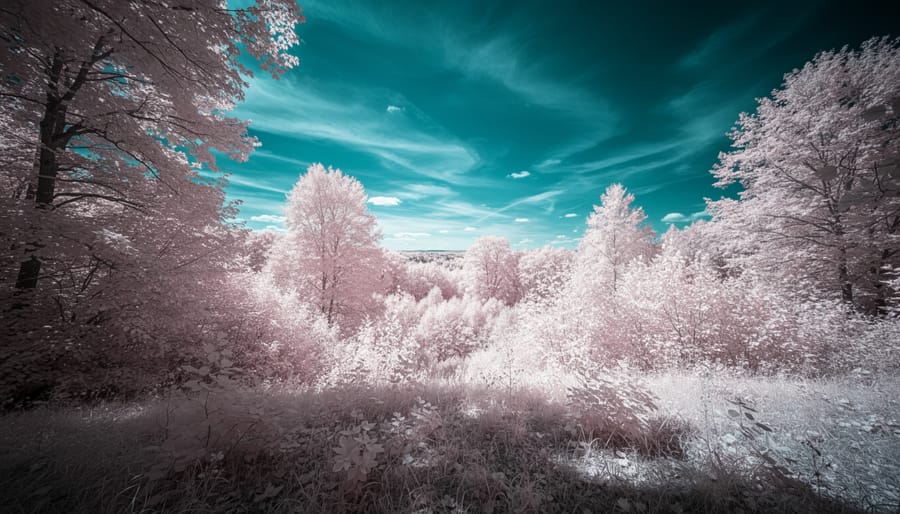
- Landscapes with deciduous trees, the “Wood Effect” makes foliage glow luminous white while maintaining rich texture and movement
- Cloud movement across clear skies, dramatic contrast between nearly black skies and bright white clouds creates cinematic time-lapse material
- Flowing water, streams, waterfalls, and waves gain an ethereal, milky quality while retaining motion detail
- Historic architecture, stone buildings and monuments render with striking texture and tonal separation absent from standard footage
- Wide landscapes with distant horizons, atmospheric haze penetration reveals layers and depth invisible to normal cameras
Conversely, some subjects fall flat in IR. People rarely work well, skin tones turn ghostly pale and eyes appear unsettling. Urban scenes with heavy concrete and asphalt lack the tonal variety that makes IR compelling. Dense evergreen forests remain dark and muddy rather than glowing. Fast-moving subjects present challenges too; while standard freeze the action techniques apply, IR’s reduced contrast can make motion blur less defined.
The key is choosing subjects where IR’s unique spectral response adds something visually distinctive. Apply standard motion tips to your composition, but prioritize scenes with bright foliage, dramatic skies, or strong textural elements that IR renders exceptionally.
Post-Production Color Grading and Correction
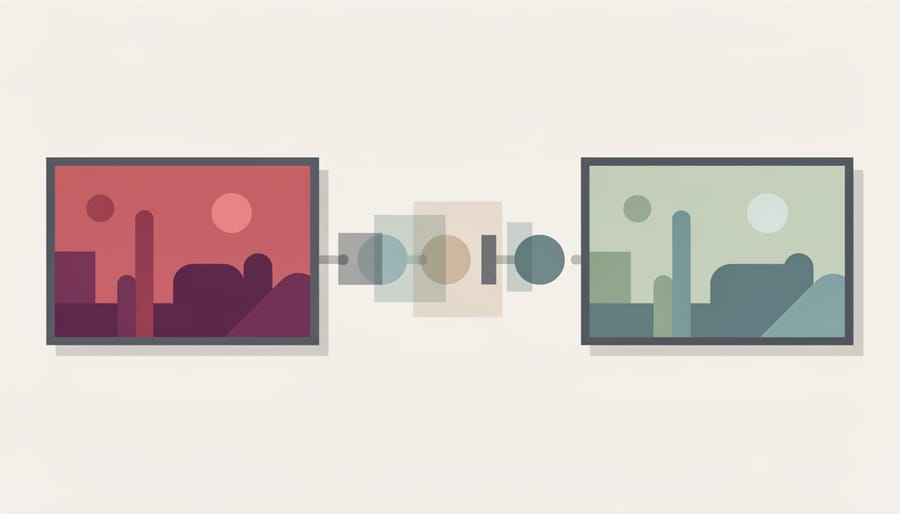
Your raw IR footage will look strange straight out of camera, typically magenta or red-tinted with inverted colors. The real magic happens in post-production, where you’ll transform those odd hues into the ethereal look that makes infrared video so compelling. Unlike processing single IR photographs, video editing requires maintaining consistency across hundreds or thousands of frames, which adds complexity to your workflow.
The channel swap technique forms the foundation of IR color grading. Most video editing software (DaVinci Resolve, Premiere Pro, Final Cut Pro) lets you access color channels individually. Here’s the proven workflow for achieving that classic IR aesthetic:
- Import your clips and create adjustment layers or apply color correction directly to your footage in the timeline.
- Access your software’s channel mixer or RGB curves panel, this is where you’ll swap the red and blue channels while leaving green unchanged.
- Set red channel input to blue (typically moving the blue slider to 100% and red to 0% in the red channel settings).
- Set blue channel input to red (moving the red slider to 100% and blue to 0% in the blue channel settings).
- Leave the green channel untouched, which preserves the infrared information captured by your sensor.
- Fine-tune with HSL adjustments to shift cyans toward blue and oranges/yellows toward your preferred sky tone.
After the channel swap, you’ll notice foliage shifts from magenta to golden-yellow or white, while skies transform from odd oranges to deep blues. This is where creative decisions begin. Some videographers push the blues darker for dramatic contrast, while others keep them lighter for a dreamlike quality.
Converting to black and white often produces the most striking IR video. The inherent contrast between bright foliage and dark skies translates beautifully to monochrome. Simply desaturate after your channel swap, then adjust your black and white mix to emphasize the infrared characteristics, typically boosting yellows and oranges (which represent foliage) while darkening blues (skies).
Consistency across clips proves trickier in video than photo editing. Save your color correction as a preset or LUT (Look-Up Table) that you can apply to multiple clips shot under similar conditions. However, expect to create separate presets for different lighting situations or filter wavelengths. A 720nm filter on a bright afternoon requires different correction than an 850nm filter at golden hour.
One critical difference from still photography: resist over-processing individual frames. Aggressive adjustments that look fine on a single photo can create flickering or unnatural motion artifacts in video. Preview your timeline at full speed after grading to catch these issues before final export.
Testing Your Results and Troubleshooting
Review your footage immediately after each test shoot rather than waiting until you’re back home. Play back clips on your camera’s LCD screen, checking for three critical elements: sharp focus, proper exposure across the frame, and any visible lens hotspots. Those bright white circles or patches, usually appearing in the center of your frame, are the most common deal-breaker in IR video and indicate your lens isn’t suited to infrared work.
Zoom in on playback to verify focus. If edges look soft or you see the telltale glow of missed focus, note exactly where you focused and reshoot with a slight adjustment. IR’s focus shift is unforgiving, and what looked sharp in live view might be off by a fraction.
Color cast problems typically show up as muddy browns or inconsistent reds across your clips. This usually means your white balance wasn’t set correctly on foliage. Reshoot with a fresh custom white balance before moving to your next location.
Build a simple test workflow: shoot thirty seconds of the same subject at three different exposures and two focus points. Review each clip on-site. This five-minute investment saves hours of frustration when you discover a whole day’s footage is unusable.
If you’re shooting during twilight conditions similar to night shooting be extra vigilant about exposure. Your IR camera needs significantly more light than you might expect, and underexposed IR video is nearly impossible to salvage in post.
When in doubt, reshoot. IR videography doesn’t allow much margin for error, and returning to a location beats attempting to fix unfixable footage.
Next Steps and Creative Applications
Once you’ve mastered the fundamentals, infrared videography opens up creative possibilities that go far beyond basic landscape shots. Start by testing different IR filter wavelengths on the same scene, shoot with 590nm for subtle warmth, 720nm for classic false color, and 850nm for dramatic black and white. You’ll discover that certain wavelengths excel with specific subjects: architecture looks striking in 850nm, while 590nm adds surreal warmth to golden-hour footage.
Blending IR with standard video creates compelling visual contrast. Try cutting between normal and infrared shots of the same location to emphasize transformation or mood shifts. You can also layer IR footage over standard clips using blend modes in your editor for ghostly double-exposure effects. Time-lapse work particularly suits infrared, clouds drifting through an IR sky or foliage moving in wind take on an ethereal quality that captivates viewers.
Can you shoot IR video handheld?
Only with a converted camera. Unconverted cameras using external IR filters require such long exposures that handheld shooting produces unusable, blurry footage.
Does infrared work at night?
No. Infrared videography requires bright sunlight since you’re capturing reflected IR light, not thermal signatures. Night shooting won’t produce the ethereal IR look.
Can you mix IR and normal footage in one project?
Absolutely. Cutting between standard and IR shots of the same scene creates powerful visual storytelling moments and emphasizes the unique character of infrared.
Consider incorporating IR video into music videos, experimental films, or documentary B-roll where the unusual aesthetic supports your narrative. The technique also pairs beautifully with drone footage if you’re working with a lightweight converted action camera. As you progress, explore false-color grading techniques borrowed from infrared photography workflows, and experiment with partial desaturation to create hybrid looks between full color and monochrome.
Infrared videography isn’t something you’ll master overnight, and that’s perfectly fine. The specialized equipment, the focus challenges, the color grading learning curve, they’re all part of developing a skill that produces genuinely unique footage. Those ethereal landscapes and dramatic skies you’ve seen in IR video didn’t happen by accident; they’re the result of patient experimentation and plenty of test shoots.
Start small. Pick a sunny afternoon, grab your converted camera or IR filter, and shoot some simple footage of trees against sky. Review it, learn what worked and what didn’t, then try again. Each session builds your understanding of how infrared renders motion, how your specific setup behaves, and which subjects translate best to this medium.
The technical hurdles might seem daunting at first, but remember that you’re working with the same infrared photography principles you’d use for stills, just extended into the dimension of time. Stick with it, and you’ll develop an instinct for what makes compelling IR video.

 By
By